Starfield

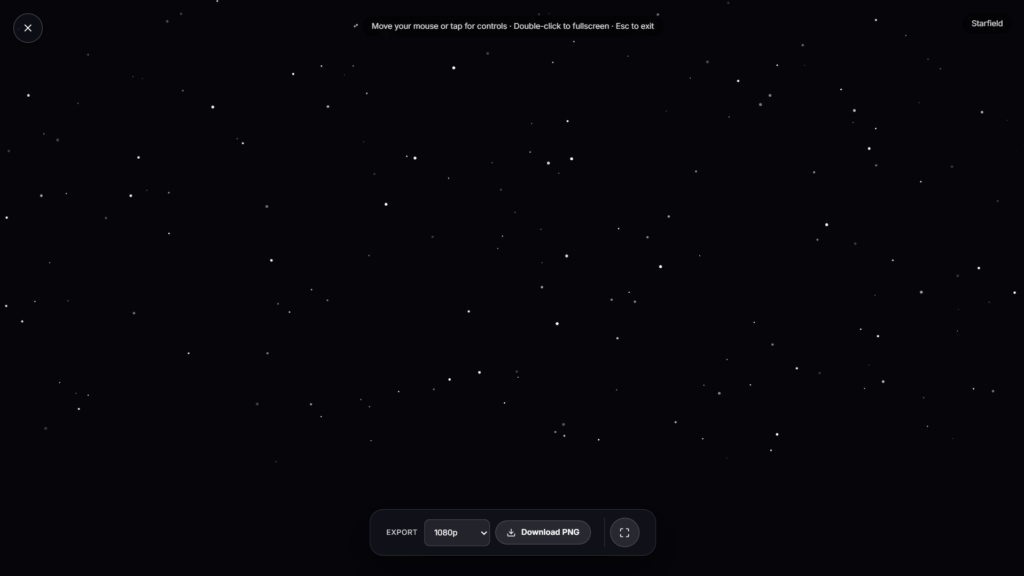
A moving field of stars fills your screen, drifting slowly past like you’re looking out into deep space. No plot, no controller, no install, just an animated starfield background you open and let play.
Not the Video Game: What This Starfield Background Actually Is
If you searched “starfield” expecting Bethesda’s space RPG, this isn’t that. This page is a moving starfield background, the kind of thing people used to set as a screensaver back when “Starfield Simulation” shipped with early versions of Windows, small points of light drifting or streaking past as if you were flying through space. That old screensaver became so recognizable it was practically shorthand for “the computer is idle.” This is that same idea, rebuilt to run instantly in a browser tab instead of sitting buried in a screensaver settings menu.
How This Animated Starfield Moves
Stars near the center of the screen move slower and appear smaller, while ones drifting toward the edges grow and pick up speed, the same parallax effect that makes nearby objects appear to move faster than distant ones when you’re travelling past them. That depth cue is what sells the illusion of movement through space rather than just dots randomly appearing on a flat screen. The pacing stays gentle and unhurried by default, closer to drifting than warping, though the exact feel depends on how the animation is tuned.
Starfield Background vs. Other Focus & Wellness Visuals
A moving starfield background gives you dark, sparse motion with a wide, open feel, well suited to late-night sessions or as a calm backdrop with the lights off. If you’d rather have color movement instead of stars on black, Aurora Waves or Gradient Flow fit that better. For something with weather and texture instead of open space, Rain on Window is worth a look. For a completely still, non-moving option, Candle Flame is the calmest pick of the set.
Image alt text (second screenshot): “Fullscreen night sky animation used as a calming background at night”
Getting the Most Out of Your Starfield Background
- Run it with the room lights off. Stars on black wash out badly against any ambient glare in the room.
- Let a session stretch a bit longer than feels necessary at first, the drifting effect tends to land better after a minute or two than it does in the first few seconds.
- Skip anything else bright on screen while it’s running, a taskbar or a bright browser tab beside it breaks the sense of open space.
- Pull it up on a phone propped against something nearby if you want it as a bedside visual rather than holding a device up.
FAQ
Is this related to the Starfield video game?
No. This is an animated starfield background, a moving night sky visual, unrelated to any game of the same name.
Can I adjust the speed or number of stars?
That depends on the controls built into the page itself, most starfield tools like this offer some version of speed and density adjustment.
Does this need installing like the old screensavers did?
No. It’s a page, not a screensaver file, so there’s nothing to install or configure in your OS settings.
Is this real footage of space?
No, every star position and movement is generated, not pulled from a telescope image or video.
Will running this use much battery?
A dark background with moving points of light is fairly light on power compared to a bright animation, though a phone will still drain faster than it would sitting idle.
Does it work on mobile browsers?
Yes, it renders the same in a modern mobile browser as it does on desktop.
What does it cost to use?
Nothing, there’s no account required and nothing to buy.
Is anything I do here sent anywhere?
No, the page runs entirely client side with nothing transmitted to a server.


