Stopwatch

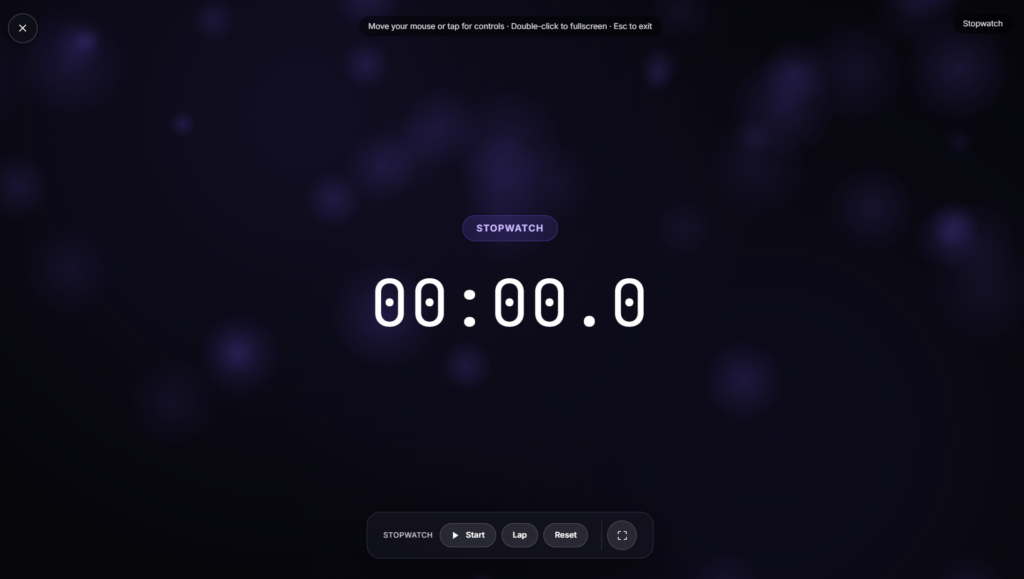
Press start and the count climbs from zero, tracking exactly how long something takes rather than counting down from a fixed number, the same basic function a mechanical stopwatch has served for well over a century, just without the winding mechanism. Run it fullscreen for a large, clear display visible from across a room or a track.
What Makes This Different from a Countdown Timer
A stopwatch and a countdown timer solve opposite problems. A timer needs a target duration decided in advance, a countdown you’re working against. A stopwatch needs nothing set beforehand, it just measures whatever elapses from the moment you hit start until you stop it, which makes it the right tool when you don’t know the duration ahead of time: a workout set, a lab reaction, a presentation you’re timing yourself on rather than racing against a clock.
How Timing Precision Actually Works in a Browser
A browser-based stopwatch typically relies on the Performance API, a high-resolution timing method built into modern browsers specifically so measurements stay accurate even when a tab sits in the background or the system is under load. That matters more than it sounds, a stopwatch built on a cruder timing method can drift by fractions of a second over a long session, which adds up if you’re comparing splits across many laps.
Common Features Worth Knowing About
Depending on the exact build you’re using, a stopwatch like this typically includes a lap or split function, letting you log an intermediate time without stopping the overall count, useful for comparing one segment of an activity against another, like successive laps in a pool or successive sets in a workout. A pause and resume control and a reset back to zero round out the basics most versions include, and some go further with exportable lap tables or keyboard shortcuts for hands-free control.
Stopwatch vs. the Rest of Your Timing Tools
If you already know exactly how long something should take and want to count down against that instead, an Adjustable Timer is built for that. For structured work-and-break cycles specifically, a Pomodoro Timer handles that rhythm. And if what you actually want is just the current time of day, a Flip Clock covers that instead.
FAQ
How is a stopwatch different from a timer?
A timer counts down from a duration you set in advance. A stopwatch counts up from zero for however long you let it run, no preset needed.
Can I record lap or split times?
Most stopwatch tools like this include a lap function, letting you mark intermediate times while the overall count keeps running.
Do I need to install anything?
No, it runs as a page in your browser, nothing to download.
How accurate is the timing?
Browser-based stopwatches built on modern timing APIs are accurate to fractions of a second and hold up well even during long sessions.
Can I use this for sports or lab timing?
Yes, it’s commonly used for exactly that, running, swimming, lab reactions, and any activity where you need precise elapsed time.
Is there a cost to use it?
No, it’s free with no signup required.
Is any of my timing data sent anywhere?
No, it runs locally in your browser tab with nothing transmitted to a server.
Does the stopwatch keep running if I switch tabs?
Yes, timing based on the browser’s high resolution API keeps counting accurately in the background, so switching tabs or briefly minimizing the window won’t throw off your elapsed time.
More Productivity & Timers

Pomodoro Timer
25 minute focus timer
Daily Motivation
Rotating motivational quotes
Women Power
Quotes celebrating women's strength & ambition
Daily Gratitude
Gentle prompts to pause and appreciate today
Adjustable Timer
Fully adjustable count-down with +/-1 and +/-5 min controls