Custom Countdown

Pick a date, and watch the days, hours, minutes, and seconds count down to it, live and continuously, rather than a fixed duration you’d set for a single sitting. Run it fullscreen so the countdown reads clearly from across a room.
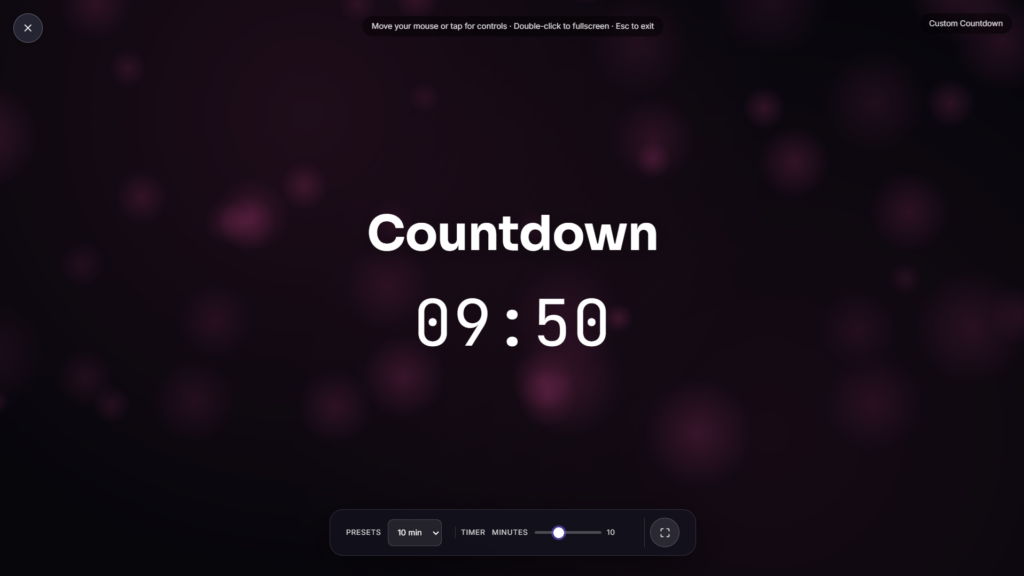
Custom Countdown vs a Regular Timer
This is a genuinely different tool from a regular countdown timer, even though the two sound alike. A timer counts down a duration you set for right now, 25 minutes for a work block, 10 for a workout interval, and it’s done once that time passes. A custom countdown instead targets a specific date on the calendar, a birthday next month, a wedding next year, New Year’s Eve, and keeps counting continuously toward it every time you open the page, whether that’s today or three weeks from now. If you actually need a short-duration timer instead, an Adjustable Timer is the tool built for that.
Why Counting Down to Dates Isn’t Simple Arithmetic
Working out exactly how much time sits between now and a future date is trickier than it looks, since months don’t all hold the same number of days and leap years add an extra day every four years with a few exceptions built into the rule. Time zones add another layer, since a date and time that’s correct for you might land differently for someone checking the same countdown from another part of the world. A custom countdown handles all of that math continuously in the background, recalculating the gap between now and your target date every second rather than making you work it out by hand.
Common Reasons People Use a Custom Countdown
- Birthdays and anniversaries: a running countdown to a date that repeats every year.
- Weddings and big events: building anticipation toward a specific, one time date.
- Holidays: Christmas, New Year’s, or any date shared with a wider audience.
- Product launches and deadlines: a shared, visible countdown for a team or an audience.
- Travel and vacations: a personal countdown to a trip you’re looking forward to.
Pairing a Custom Countdown with Other Tools
If your event needs a shared visual on a bigger screen, a lobby display, or a livestream overlay, Rotation Quotes or Neon Grid work well alongside it depending on the mood you’re going for. If you need the actual current time rather than time remaining, a Flip Clock covers that instead.
More Productivity & Timers

Stopwatch
Count-up stopwatch with lap tracking
Adjustable Timer
Fully adjustable count-down with +/-1 and +/-5 min controls
Women Power
Quotes celebrating women's strength & ambition
Daily Motivation
Rotating motivational quotes
Distraction-Free Pomodoro
Minimal auto-cycling work/break timer