World Landmarks

World Landmarks
World Landmarks cycles through famous places from across the globe, one striking view after another, filling your entire screen without needing a flight, a ticket, or even leaving your desk.
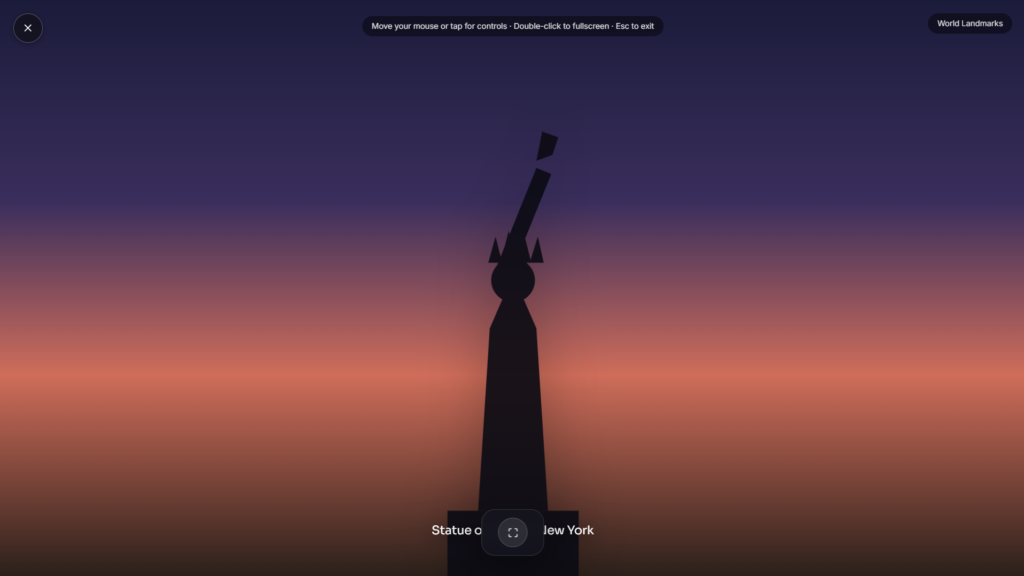
What World Landmarks Actually Shows
Rather than one static photo, World Landmarks moves through a sequence of well-known sites, the kind of places that show up on nearly every “must-see” travel list: towers, monuments, ancient structures, and natural wonders spread across continents. The word landmark itself originally meant something used to mark a boundary or guide travelers, long before it came to mean a famous or recognizable place, which is a fitting bit of history for a tool built entirely around recognizable places.
A Few Landmarks Worth Knowing the Story Behind
The Eiffel Tower was built for the 1889 Exposition Universelle in Paris and was originally meant to be temporary, torn down after twenty years, before its usefulness as a radio transmission tower helped save it. The Taj Mahal in India was commissioned in the 17th century by Mughal emperor Shah Jahan as a mausoleum for his wife, one of the most recognizable expressions of grief turned into architecture anywhere in the world. The Great Wall of China wasn’t built as a single continuous project either, it grew over centuries under different dynasties, stitched together from separate walls and fortifications built for different rulers at different times. Landmarks like these earn their status for wildly different reasons, engineering achievement, religious significance, sheer age, or natural formation, but World Landmarks treats them all as worth a moment’s look regardless of category.
Why World Landmarks Works Well as a Fullscreen Display
Static wallpaper collections show one image at a time and eventually feel repetitive; long virtual tour sites demand real time and often a fee to unlock full access. World Landmarks sits in between, cycling automatically through a curated set of views without asking you to click through anything or pay for access, closer to a slideshow than a full travel guide.
Where World Landmarks Fits Among the Rest
This works well as a background for a break, a calming rotation for a lobby or waiting room screen, or something to glance at while dreaming up a future trip. If you’d rather have a natural landscape than a built landmark, Natural Scenery covers that instead. For something warmer and cozier rather than scenic, Campfire sets a different mood entirely.
FAQ
Are these real photographs?
Typically yes, most landmark slideshow tools like this use real photography of each site rather than illustrations.
How often does the display change?
Depending on the build, each landmark usually holds for several seconds before moving to the next, similar to a slow, automatic slideshow.
Do I need to download anything?
No, it runs directly in your browser, nothing to install.
Can I use this for a lobby or waiting room screen?
Yes, that’s a common use case, an auto-rotating display that doesn’t need anyone actively managing it.
Is any of my data collected while I use it?
No, it runs locally in your browser with nothing uploaded.
Does it include information about each landmark, or just images?
That depends on the specific build, some slideshow tools include a name or short caption alongside each image, others are purely visual.
Can I use this to help plan a future trip?
It works well as inspiration, seeing a range of landmarks can help narrow down where you’d actually want to go, though it’s not a substitute for proper travel research or booking tools.


