Light Update Screen

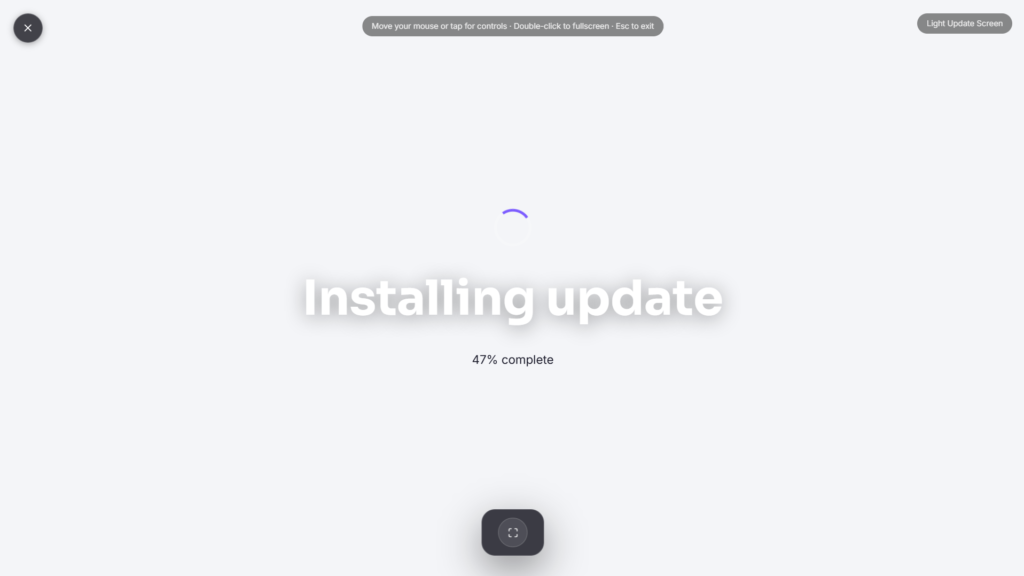
A light update screen keeps the prank simple: a progress bar, a percentage, an installing update message, without styling itself after any specific operating system. It’s a fake update screen built for speed and simplicity rather than a detailed recreation of one particular Windows version.
Why a Simpler Fake Update Screen Sometimes Works Better
A fully OS-specific prank only holds up if it matches the actual device it’s shown on, a Windows-styled screen looks obviously wrong on a Mac, and an outdated Windows style breaks the illusion on newer hardware. A light update screen sidesteps that entirely by staying generic: a plain progress bar and a familiar-sounding installing update message read as believable on nearly any device, precisely because they don’t commit to matching one specific system’s exact visual details. Nearly every operating system uses some version of the same visual language, a bar filling left to right, a percentage counting up, which is exactly why a generic version travels so well across devices.
How to Use a Light Update Screen Effectively
Set it running before stepping away, and let the plain, unbranded look do the work. Because it doesn’t try to mimic one exact system, it holds up reasonably well glanced at quickly, even if it wouldn’t survive close inspection by someone who stopped to study it. That trade-off, broader compatibility for less exact realism, is really the whole idea behind keeping it light.
Choosing the Right Fake Update Screen Option
If you know the exact device you’re pranking and want the most convincing version possible, a Windows-specific version matches specific Windows styling far more closely. A more detailed generic version sits in between, more detailed than this page but not tied to one exact OS version. This light update screen is the fastest, simplest option of the three, best when you want something quick rather than something bulletproof under scrutiny, useful in situations where you don’t know exactly what device or OS you’ll actually be pranking ahead of time.
Using This Responsibly
Even a simple installing update message can genuinely worry someone if it runs too long, especially on a device they rely on for work. Keep it brief, reveal the joke once it’s landed, and skip it entirely with anyone likely to panic over losing unsaved progress.
FAQ
How is this different from the Fake Windows Update Screen page?
That version matches specific Windows visual styles closely. This one stays generic and unbranded, which trades some realism for working reasonably well on any device.
Does it actually install or change anything?
No, it’s a purely visual effect. Nothing on the device is downloaded, modified, or updated.
Will this look convincing on a Mac or Chromebook?
Better than an OS-specific version would, since it doesn’t claim to be any particular system’s exact update screen, though it’s still a fairly generic look rather than a perfect match for any one platform.
Can I adjust how long it runs?
Most versions let you set a duration or starting percentage before beginning.
Is there sound involved
Typically no, this style of prank usually relies on the visual alone rather than audio cues.
Does the message wording matter, or is any generic phrase convincing enough?
Wording that echoes real operating system update language, phrases like “installing update” or “don’t turn off your device,” reads as more convincing than something too generic or oddly worded, even without matching one exact OS precisely.


