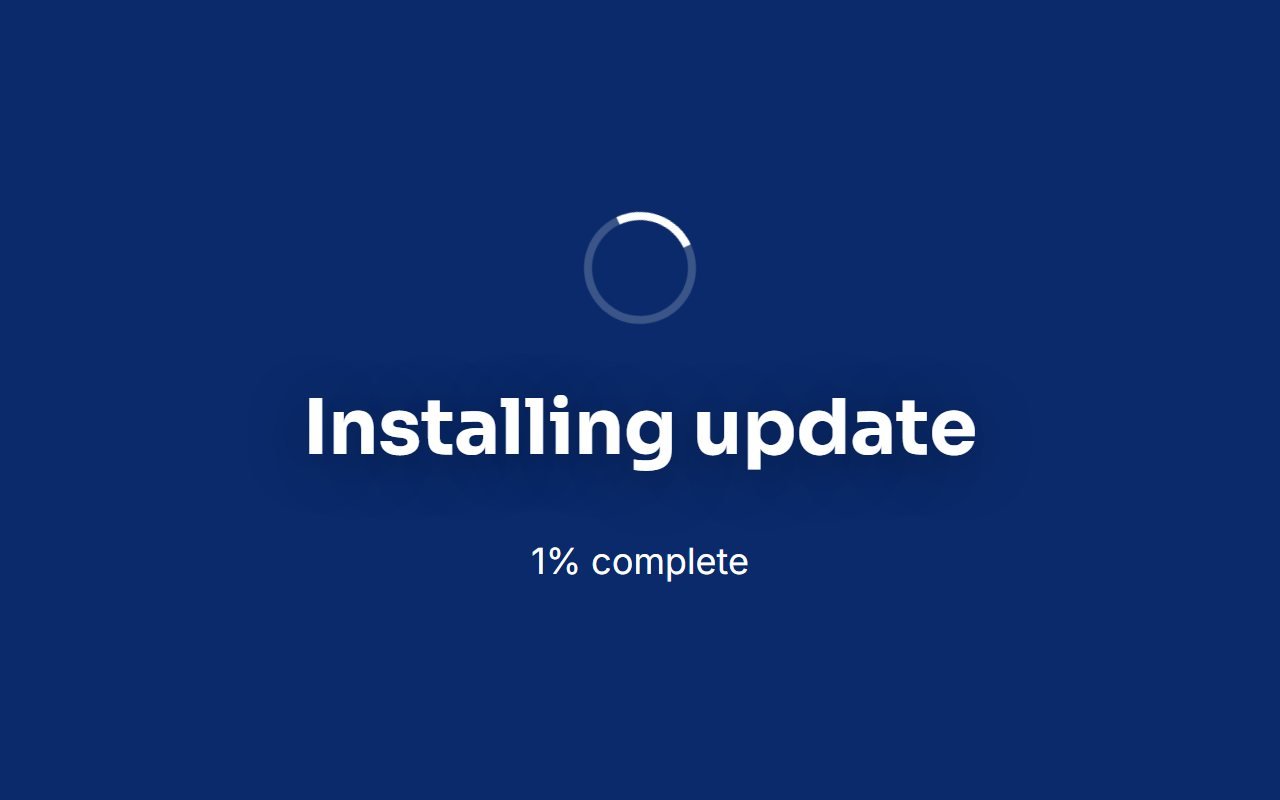
Circular Progress Screen
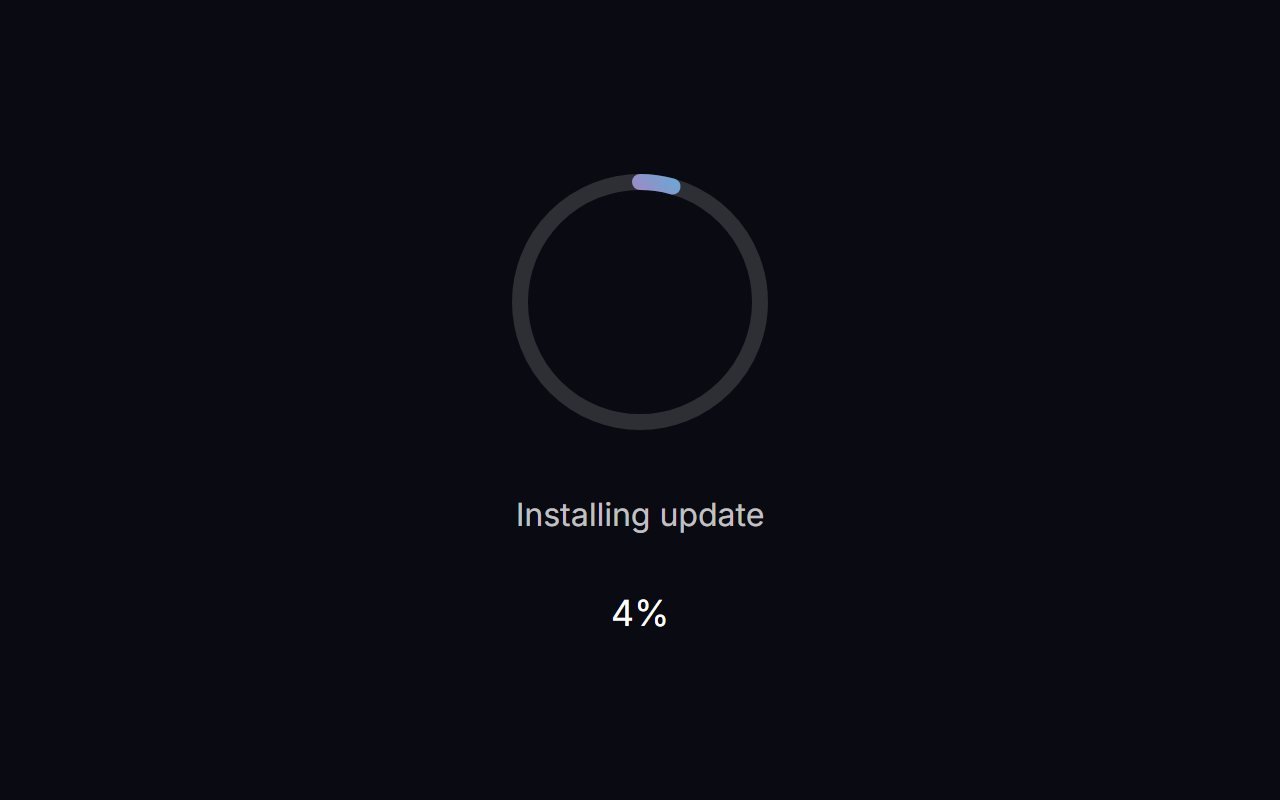
The Circular Progress Screen is a free, full-screen browser tool — Centered ring progress. It runs entirely in your browser, needs no install or sign-up, and renders locally so nothing you see is uploaded anywhere.
How to use the Circular Progress Screen
- Click Launch fullscreen below.
- Use the on-screen controls (they fade in when you move your mouse or tap) to adjust color, speed or timing.
- Press F or double-click the screen for true browser fullscreen, and Esc any time to exit.
Why use circular progress screen?
Whether you’re on a call, recording, streaming, working, or just need a quick full-screen effect, the Circular Progress Screen is ready in one click — no downloads, no watermark, and it works on any device with a modern browser.