Yellow Screen

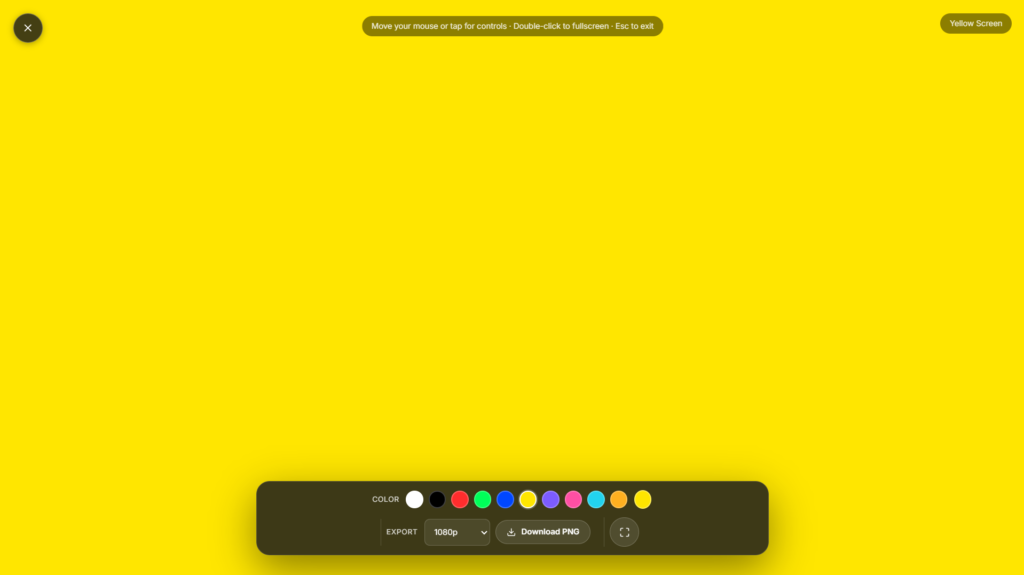
Yellow Screen is a free, full-screen browser tool that fills your entire display with a solid yellow color in one click. It’s part of our full screen color tools collection, so if yellow isn’t quite what you need, there’s a matching tool for almost any shade. It runs entirely in your browser, needs no install and no sign-up, and renders locally nothing you do on this page is ever uploaded or tracked.
People use a full screen yellow display for more than just aesthetics. It works as a simple fill light during video calls, a clean backdrop for product photography, or a quick way to check a monitor or phone screen for dead pixels and backlight bleed. Because the color renders at true brightness with no compression or filtering, what you see is the actual output of your screen not a photo or a rendered preview.
Features
- Pure yellow fill – renders true bright yellow at full brightness for consistent, screen independent color
- Adjustable brightness – dim the yellow without changing the hue, useful for late night or low light use
- Timer mode – set an auto exit timer so the screen doesn’t stay full screen indefinitely
- Zero install – runs entirely in browser, nothing downloaded, nothing tracked
- Works everywhere – desktop, tablet, and mobile browsers, no app required
Common uses for a yellow screen
-
- Video calls and streaming – use as a warm toned fill light or background for webcam lighting
- Photography and product shoots – a clean yellow backdrop for reflections or color correction reference
- Screen testing – check for dead pixels, backlight bleed, or panel uniformity on monitors and phones
- Color therapy and light exposure – some people use solid color screens for mood or focus routines
- Presentations and classrooms – a quick full color slide without opening a design tool
FAQ
Is the Yellow Screen tool free to use?
Yes. It’s completely free, with no sign up, no watermark, and no usage limit.
Does it work on mobile phones?
Yes. It works in any modern mobile browser tap the screen to reveal controls, and use your phone’s native full screen gesture if needed.
Will this damage my screen or leave a burn in?
No. A single solid color for normal viewing sessions poses no risk to modern LCD or OLED displays. Extended static images over many hours on OLED panels carry a general burn in risk, same as any static content.
Can I change the shade of yellow?
Yes. Use the on screen brightness control to adjust intensity while keeping the yellow hue.
Does this tool collect or upload any data?
No. Everything renders locally in your browser. Nothing you do on this page is uploaded or stored.
Related color screens
- Red Screen – full screen red for camera and lighting tests
- Blue Screen – solid blue fill, popular for chroma key reference
- Green Screen – true green fill for background removal testing
- Black Screen – pure black, useful for OLED pixel checks and dark mode testing
- White Screen – bright white fill for screen cleaning and calibration


