Ambient Light

What Is Ambient Light?
Ambient light is soft, indirect light that fills a room and sets a mood, rather than pointing directly at one task or subject. Think of the warm wash from a dimmed lamp in the corner, or the glow from a bias-lighting strip behind a TV. This page turns your phone, tablet, laptop, or monitor into exactly that: a full-screen, adjustable ambient light source, warm or cool, bright or dim, ready in one click.
Quick clarification, since the term “ambient light” covers a couple of different things online: this isn’t the Ambient Light Sensor, a hardware component that detects how bright a room is so a device can auto-adjust its own screen brightness. It’s the opposite. This is a tool that produces light from your screen so you can light up the room around you.
FullScreenLab’s Ambient Light tool runs entirely in your browser. There’s nothing to install, no account to create, and no data leaves your device. It’s just a full screen glow you control with a couple of clicks.
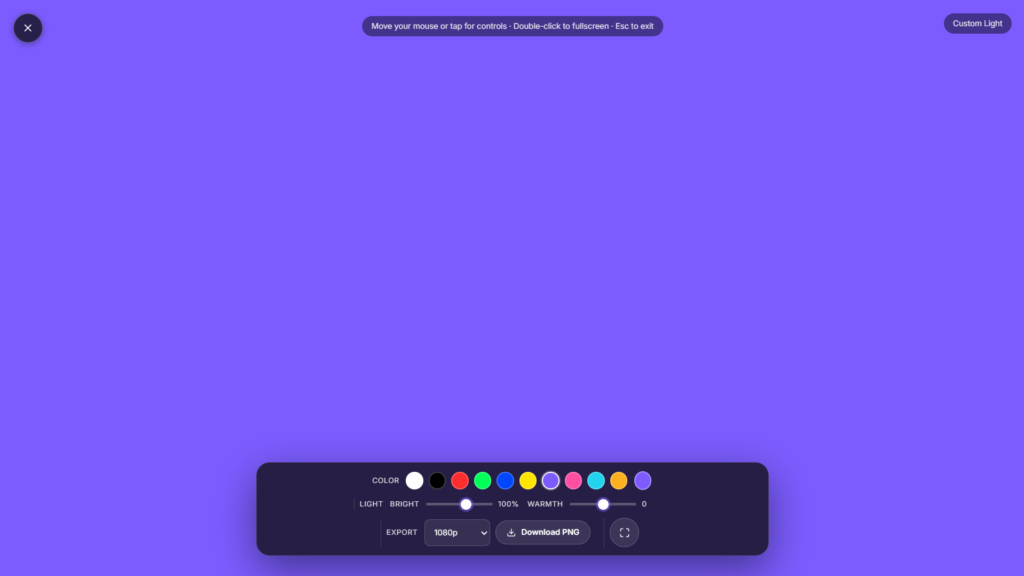
How to Use the Ambient Light Tool on FullScreenLab
- Open the Ambient Light tool and click Launch fullscreen.
- Move your mouse or tap the screen to bring up the on screen controls, then adjust color, warmth, and brightness to taste.
- Press F or double click for true browser fullscreen, and Esc any time you want out.
Ambient Light vs. Direct Light: What’s the Difference?
Direct light, like a white screen or a desk lamp aimed straight at you, illuminates one specific task: reading fine print, lighting your face for a webcam, checking a monitor for dead pixels. Ambient light fills the space around you instead, setting a mood and a general brightness level rather than spotlighting one thing. That’s why it usually looks better dimmer and warmer than a pure white screen used for calls you’re not trying to overpower the room, you’re trying to blend into it.
Common Use Cases
- Video calls. A soft glow behind or beside your camera setup for a warmer look than flat white.
- Streaming and content backgrounds. A second screen or monitor glowing gently in the background of a webcam frame.
- Bedside or reading light. A low, warm tone that’s calmer than a phone flashlight or overhead bulb.
- Desk ambiance while working. A subtle color wash behind your monitor to reduce contrast between a bright screen and a dark room.
- Photography and product shots. Filling in shadows with a soft, even light source when you don’t have a proper studio light on hand.
FAQ
Is this the same as the Ambient Light Sensor on my phone?
No, that’s a common mix up. The Ambient Light Sensor is hardware that detects how bright a room is so a device can auto-adjust its own screen brightness. This tool does the opposite: it produces light from your screen so you can light up your room.
Will this work on my TV?
If your TV has a browser (many smart TVs do) or you can cast or mirror a laptop or tablet to it, yes, it’ll fill the screen the same way.
Does it use a lot of battery?
A bright fullscreen display uses more power than your normal screen brightness, especially on phones. For short sessions it’s negligible; for longer use, plug in your device.
Conclusion
Ambient light is a simple, free way to shape the mood and lighting of a room using a device you already own. Whether you want a warm glow for the evening, a subtle backdrop for a call, or fill light for a quick photo, Full ScreenLab’s Ambient Light tool gets you there in one click: no install, no signup, and full control over the tone.


