Softbox Light

Turn your phone, tablet, laptop, or monitor into soft box lights in one click. It fills your screen with soft, diffused light spread evenly across a large area, the same effect real soft box lights give in photography, without the stand, the bulb, or the box.
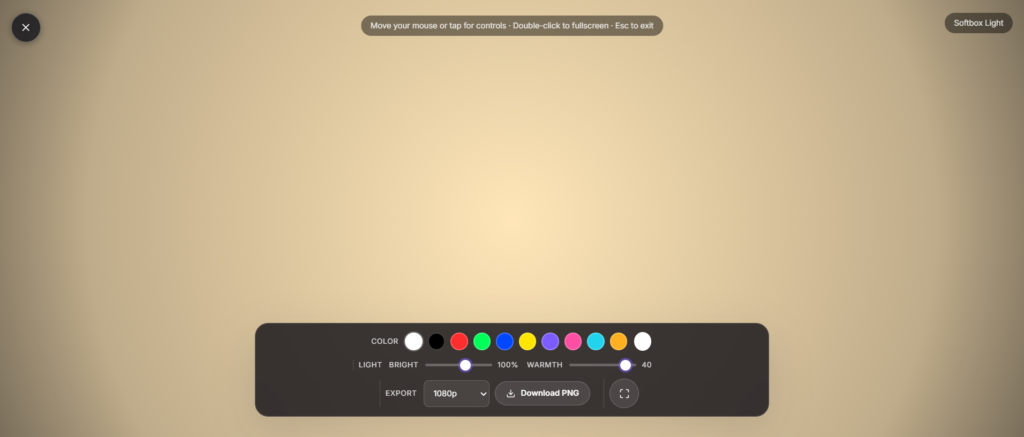
Softbox Light Settings for Different Skin Tones and Rooms
A softbox light setup can be tuned to flatter different skin tones and room conditions, which is why brightness and warmth controls matter so much. Cooler tones tend to suit brighter rooms with white walls, while warmer tones often look more natural in dimly lit spaces or rooms with wood paneling. Because everyone’s screen, camera, and surroundings differ slightly, it helps to test a few combinations before settling on one for regular use. As a result, you avoid the washed-out or overly orange look that can happen when a single preset is used everywhere. Taking a minute to adjust these settings pays off every time you hop on a call.
In addition to skin tone and room color, distance from the screen changes how soft or harsh the light appears on camera. Moving closer increases the wrap-around softness, similar to bringing a physical softbox nearer to a subject, while moving back creates a slightly more directional look. However, sitting too close can wash out facial detail, so it helps to strike a balance based on your camera’s field of view. Because this adjustment costs nothing and takes seconds, it is worth experimenting with before every important meeting or recording session. Over time, most users settle into a preferred distance and simply return to it as a quick, repeatable routine.
Soft box lights vs. ring light vs. ambient light
Soft box lights spread light from one side, which creates gentle, natural-looking shadows and more depth, better suited to portraits and product shots where dimensionality matters. A Ring Light instead surrounds the lens with light, giving a flatter, shadow-free look that suits beauty and close-up video more than depth-driven photography. If you want a softer glow to fill a whole room rather than light a subject, Ambient Light is built for that. And if you want one exact, locked-in shade with full manual control, Custom Light lets you dial in the hue, brightness, and warmth yourself. None of these is objectively better, they’re suited to different setups and different subjects.
How to use the Soft box Lights
- Click Launch fullscreen below.
- Use the on-screen controls (they fade in when you move your mouse or tap) to adjust color, speed or timing.
- Press F or double-click the screen for true browser fullscreen, and Esc any time to exit.
It uses your browser’s built-in Fullscreen API, so these soft box lights work the same way on a laptop, phone, tablet, or monitor, with no plugin or install required.
Why use soft box lights?
Whether you’re on a call, recording, streaming, working, or just need a quick full screen effect, the Soft box Lights is ready in one click no downloads, no watermark, and it works on any device with a modern browser.
FAQ
Do I need real soft box lights if I have this?
For casual video calls, product shots, or portraits shot near the screen, this covers most of what a small softbox does. For studio-level output or larger subjects, real soft box lights still put out more light over a bigger area.
How is this different from a ring light?
A ring light surrounds the camera and gives flat, shadow-free light. Soft box lights spread from one side instead, giving softer, more natural-looking shadows and depth.
What brightness or color should I use?
Slightly warm, mid-to-high brightness works well for most video calls and portraits. For product or detail shots, a neutral or cooler tone gives more accurate color.
Does it use a lot of battery?
Fullscreen at high brightness uses more power than normal screen brightness. Fine for short sessions; plug in for longer use.
Is my data collected when I use this?
No, it runs locally in your browser with nothing uploaded.


