Aurora Waves

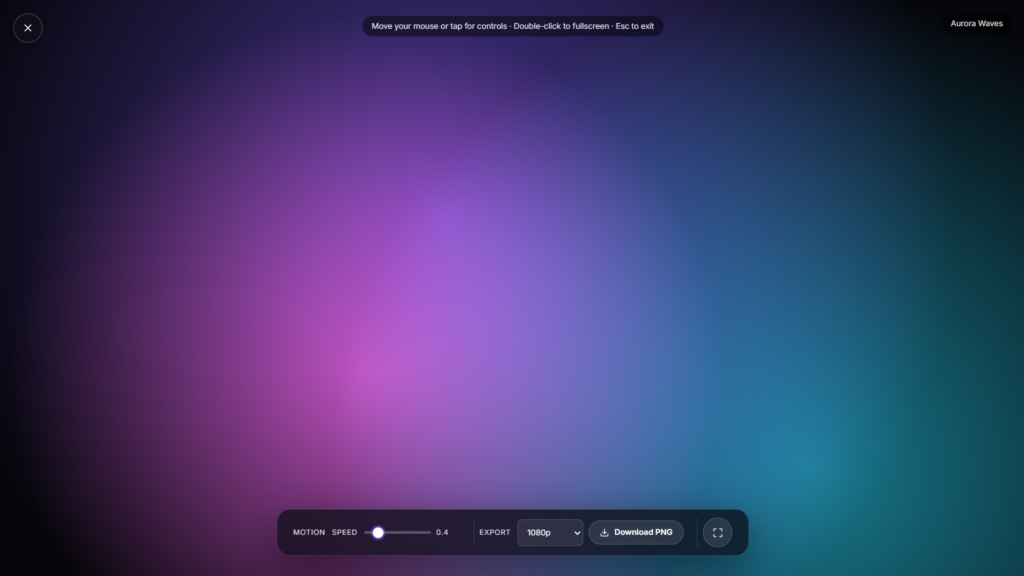
Watch soft, drifting Aurora waves fill your entire screen, a calming animation of shifting greens, blues, and purples that moves the way real northern lights do. No download, no screensaver install, just open the page and let it play.
What makes this different from a screensaver download
Most aurora and northern lights animations online are Windows or Mac screensavers you install and set to trigger after your PC sits idle. This one skips that step entirely: it’s a browser tool that plays the moment you open it, works the same on a phone, tablet, laptop, or smart TV browser, and closes the second you tap away. Nothing sits on your device afterward.
How the animation works
The waves shift slowly and irregularly rather than looping on a fixed cycle, closer to how the real aurora borealis drifts and folds across the sky when charged particles from the sun interact with the upper atmosphere. That irregular movement is part of what makes it feel calming rather than mechanical, there’s no obvious repeat to notice or get used to.
The color palette follows the same logic as the real thing, even though nothing here is an actual photograph. In the sky, green auroras come from oxygen molecules roughly 100 to 300 kilometers up getting struck by charged particles and releasing light as they settle back down. Higher up, oxygen produces the rarer red tones, while nitrogen molecules lower in the atmosphere add blues and purples along the edges of a display. This animation borrows that same green to blue to purple range rather than a single flat color, which is part of why it reads as an aurora and not just a gradient.
Using it for focus or relaxation
Aurora Waves works well as a low-distraction background for winding down, a visual anchor during meditation or breathing exercises, or something gentle to look at during a break between focused work. If you want a still, adjustable glow instead of a moving animation, Ambient Light gives you that. For a different kind of calming, non-moving visual, Candle Flame is worth a look too. And if you’re pairing this with any kind of work session, a focus timer sits well alongside it for structured breaks.
Getting the most out of it
- Dim the room and lower your screen brightness slightly so the colors read as soft light rather than a lit up rectangle.
- Use it without other visual clutter open, a second monitor or a busy desktop behind it undercuts the calming effect.
- Try it as a wind down cue before bed, or as a short visual break between focused work blocks rather than something left running in the background all day.
- On a phone or tablet, prop the device up rather than holding it, so you can actually let your eyes rest on it.
FAQ
Is this a real recording of the Aurora Waves?
No, it’s a generated animation modeled on how the aurora moves and shifts color, not footage of the real night sky.
Do I need to download anything?
No, it plays directly in your browser with nothing to install.
Can I use this instead of a screensaver?
Yes, though unlike a traditional screensaver it plays actively rather than triggering after idle time, so it’s better suited to an intentional break than a locked screen.
Will this drain my battery?
A bright, animated fullscreen display uses more power than a static or dimmed screen. Fine for shorter sessions; plug in for longer ones.
Is my data collected when I use this?
No, it runs locally in your browser with nothing uploaded.
Is it safe if I’m sensitive to flashing or fast moving visuals?
The waves move slowly and gradually with no strobing or sudden flashes, so it’s generally gentler than most animated screensavers. If you know you’re sensitive to visual motion, start with a shorter session and see how it feels before leaving it running for longer.


