Gradient Flow

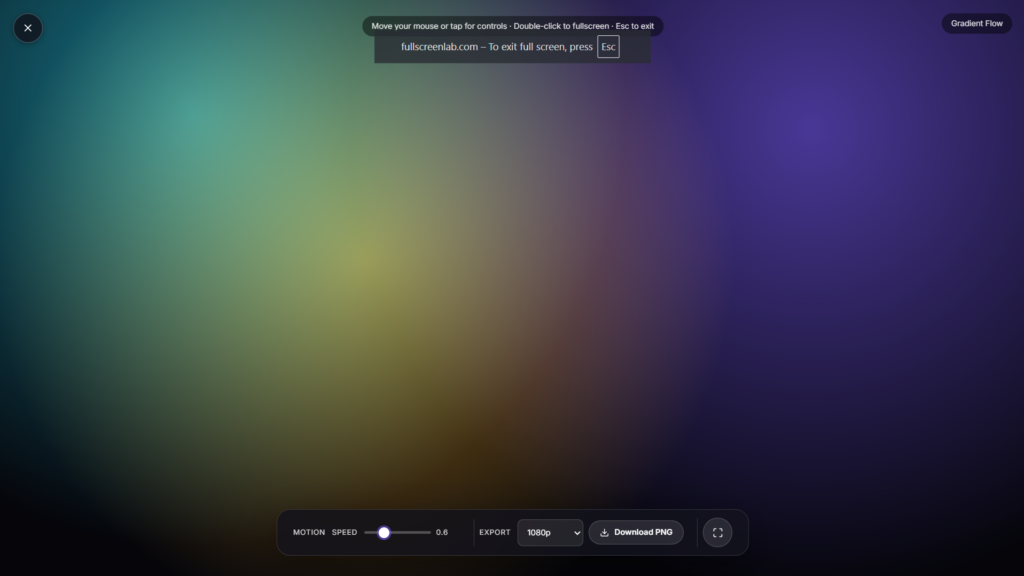
Watch soft, shifting colors flow slowly across your entire screen, a calming, slowly moving gradient that blends from one tone into the next with no hard edges or sudden cuts. Just open the page and let it run.
Not a code generator
Most tools that come up when people search “gradient flow” or “animated gradient” are built for developers: they generate CSS or Tailwind code you paste into a website. If that’s what you’re after, most front-end tool sites cover it well. This page is different. It’s not code, it’s the visual itself, meant to be looked at directly on your own screen rather than embedded somewhere else.
How the movement works
A color gradient blends two or more colors smoothly into each other rather than switching abruptly, the same idea used in a linear gradient (colors shift along a straight line) or a radial gradient (colors spread outward from a center point). This tool animates that blend slowly over time, so the colors drift and reposition rather than sitting still, closer to watching light move across water than to a flashing or strobing effect. The pace is deliberately slow: nothing here is meant to grab attention, it’s meant to sit quietly in the background of your attention instead.
Color choice matters more than it might seem. Adjacent hues on the color wheel, like blue drifting into purple, tend to feel calmer and more cohesive than combinations pulled from opposite ends of the spectrum, which read as more energetic or jarring. That’s part of why this animation favors gentle, closely related tones over high-contrast color pairs.
Using it for focus or relaxation
Gradient Flow works well as a low distraction background while you work, a visual anchor for a short break, or something to look at while winding down in the evening. If you’d rather have a moving sky toned animation instead of an abstract color blend, Aurora Waves covers that. For a completely still, non moving visual, Candle Flame is the calmer option. And if you want one fixed, non moving color you control precisely rather than something that shifts on its own, Custom Light or Ambient Light give you that kind of control.
Getting the most out of it
- Run it without other visual clutter nearby, a busy desktop behind it works against the calming effect.
- Dim your screen brightness slightly so the colors read as soft light rather than a bright rectangle.
- Use it as a short visual reset between work blocks rather than something left running constantly in the background.
- Pair it with a focus timer if you want a structured break rather than an open-ended one.
FAQ
Is this the same as the CSS gradient generator tools I’ve seen?
No, those output code for your own website. This is the finished visual itself, meant to be watched directly rather than copied into a project.
Do I need to download anything?
No, it plays directly in your browser with nothing to install.
Will this drain my battery?
A bright, animated fullscreen display uses more power than a static or dimmed screen. Fine for shorter sessions; plug in for longer ones.
Can I use this on my phone?
Yes, it works the same in any modern mobile browser as it does on a laptop or tablet.
Is it safe if I’m sensitive to flashing or fast moving visuals?
The colors shift slowly and gradually with no strobing or hard cuts, so it’s gentler than most animated effects. This follows the same general guidance in WCAG’s recommendations on visual safety, which flag rapid flashing rather than slow, gradual color change. If you’re sensitive to visual motion generally, try a shorter session first before leaving it running for longer.
Is my data collected when I use this?
No, it runs locally in your browser with nothing uploaded.


