White Screen

The White Screen is a free, full screen browser tool that gives you a pure white background in one click. Whether you need extra light for a video call, a white backdrop for tracing a sketch, a clean surface for a quick photo, or just a full screen white display to check something on your monitor, this saves you from digging through settings or downloading anything. It runs entirely in your browser, needs no install or sign up, and renders locally so nothing you see is ever uploaded anywhere.
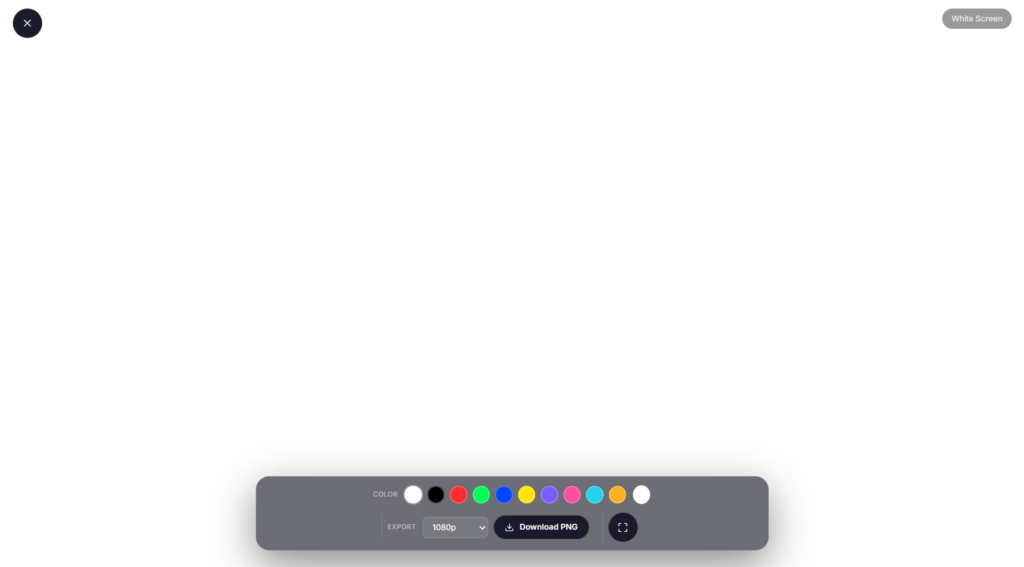
How to use the White Screen
- Click Launch full screen below.
- Use the on screen controls (they fade in when you move your mouse or tap) to adjust color, speed or timing.
- Press F or double click the screen for true browser full screen, and Esc any time to exit.
Why use white screen?
Whether you’re on a call, recording, streaming, working, or just need a quick full screen effect, the White Screen is ready in one click no downloads, no watermark, and it works on any device with a modern browser.
Tip Callout
Quick tip: If you’re using this for lighting on a call, push your screen brightness all the way up first. Makes a noticeable difference.
Popular Uses for a White Screen
Turns out a plain white screen is more useful than you’d think, especially when you don’t have the right gear on hand. Here are some of the ways people actually use it in everyday situations:
- Bad lighting on a video call? Crank your screen to full white and use it as a makeshift fill light. Works surprisingly well in a pinch.
- Taking product photos with your phone? Prop it up against a laptop or tablet running this and you’ve got a clean white backdrop, no lightbox needed.
- Got a new monitor or TV? A solid white screen makes dead pixels and backlight bleed easy to spot.
- Screen looking a little grubby? Pull this up before cleaning. Every smudge and fingerprint shows up clearly against white.
- Tracing a design or sketch? Place your paper against the screen and use the white glow as a makeshift light table. No lightbox needed.
- Working late? A dimmed white screen makes a nice soft glow for the room, no harsh overhead light needed.
- Mid presentation? Use it as a clean pause screen between slides.
FAQ
Is White Screen safe to use?
Yes, it runs entirely in your browser. No files are uploaded, no data is collected, and nothing installs on your device. You can close the tab any time and nothing is left behind.
Does it work on mobile?
Yes, it works on phones and tablets with a modern browser. Tap the screen to bring up controls, and tap again to hide them if you want a completely clean view.
Can I change the color?
Yes, while it defaults to white, you can adjust color, brightness, and speed from the on screen controls. This makes it handy for more than just white screen use cases.
Do I need to download an app?
No. It’s 100 percent browser based. Just open the page and click “Launch full screen,” and you’re set in seconds.
Can I use this as a white background for photos?
Yes. A full white screen works well as a simple backdrop for product shots or portraits when you don’t have a proper lightbox. Prop your phone or camera up facing the screen and shoot against it.
Looking for something else?
We’ve got a few other screen tools if white isn’t quite what you need. Check out our Black Screen for OLED testing or a dark mode break, Color Screen if you want to pick your own shade, or Green Screen for quick chroma key effects. More screen tools are on the way too, so check back if you don’t see exactly what you’re looking for.


