Confetti Party

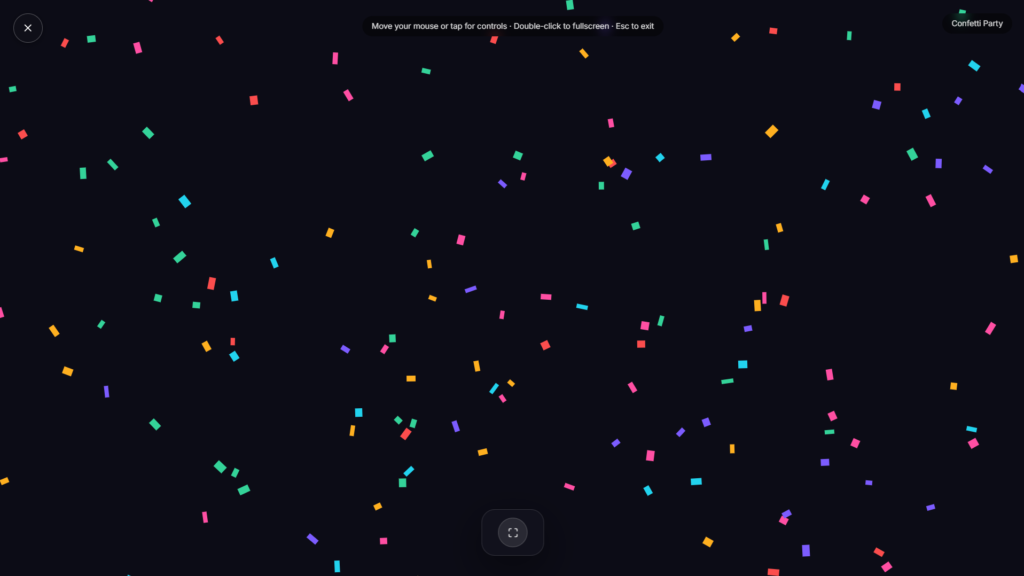
Party confetti falls and tumbles across the whole screen the instant you need a celebration, no code to paste into a website, no plugin to install, just open the page and let it burst.
Where Party Confetti Actually Comes From
Confetti started out as something you could eat: the word comes from Italian, originally referring to the sugared almonds thrown during carnival celebrations in Italy. Paper confetti as we know it today is generally traced to 1875 Milan, where small paper disks, reportedly leftover waste punched out by machines perforating silk-worm cocoons, got thrown at a carnival instead of the traditional sweets, and the idea spread from there. The switch from candy to paper wasn’t just cheaper, it also meant confetti could be thrown by the handful without anyone getting hit by something hard or sticky, which likely helped the tradition spread as quickly as it did. What was once literal candy thrown at a party has ended up, a century and a half later, as pixels falling across a screen.
Why This Beats Copying a Confetti Code Snippet
Most confetti effects online exist as developer tools, plugins for site builders like Bubble, or jQuery and canvas libraries meant to be embedded into someone else’s website, the kind of thing that requires copying a script tag, wiring up a button, and testing it before it actually works. Useful if you’re building a page, overkill if you just want a celebration effect right now for a birthday call, a win worth marking, or a bit of good news. This runs as a standalone page instead, nothing to paste into code, nothing to configure, just an instant burst you can pull up and share your screen with.
Common Ways People Use This
A confetti burst works well for a birthday celebration on a video call, marking a win or an announcement during a stream, celebrating a milestone with a remote team, or just a bit of over the top fun for good news shared with someone else. If you’re looking for a calmer celebratory mood instead of a burst of motion, Rainbow Screen offers a gentler colorful visual. For a cozier, quieter kind of celebration, Campfire sets a different tone entirely.
FAQ
Do I need to install anything or write code?
No, this runs as a standalone page. Unlike most confetti effects online, there’s nothing to embed or configure
Can I use this during a video call?
Yes, sharing your screen with the confetti running is a common way to mark a celebration during a call.
Does it loop continuously or play once?
Depending on the build, it typically plays as a burst rather than looping indefinitely, closer to how real confetti falls and settles.
Will this work on my phone?
Yes, it runs the same in any modern mobile browser as it does on a laptop or desktop.
Is any of my data collected while I use it?
No, it runs locally in your browser with nothing uploaded.
Can I trigger it more than once?
Most versions let you restart or re trigger the burst without needing to reload the page.
Is this the same as the confetti effects used in stream overlays?
Not quite, streamers typically use a separate video file layered into their broadcasting software for alerts. This is meant to be viewed directly on a screen rather than composited into a stream.
Can I use this for a work announcement, not just a personal celebration?
Yes, plenty of teams use a burst of confetti like this to mark a shipped project, a hit target, or good news during a meeting, it’s not limited to birthdays or personal milestones.