Rainbow Screen
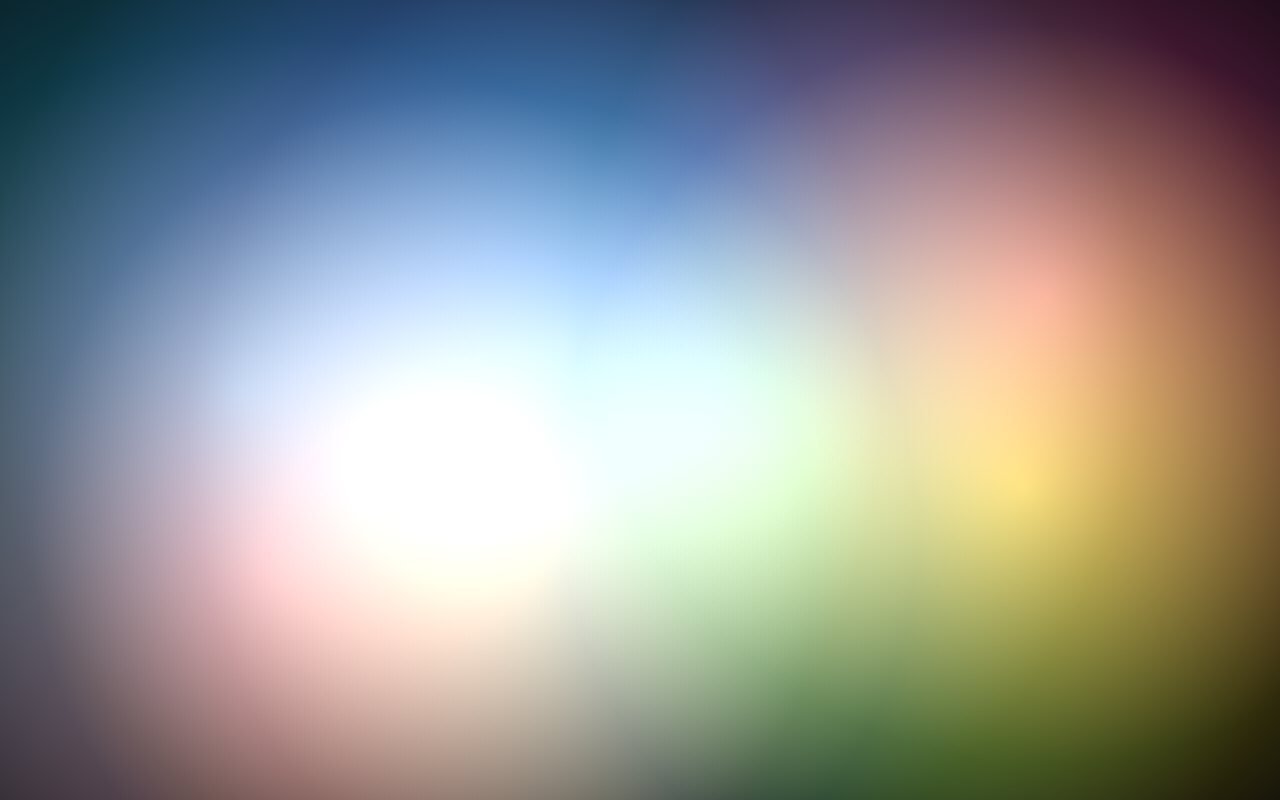
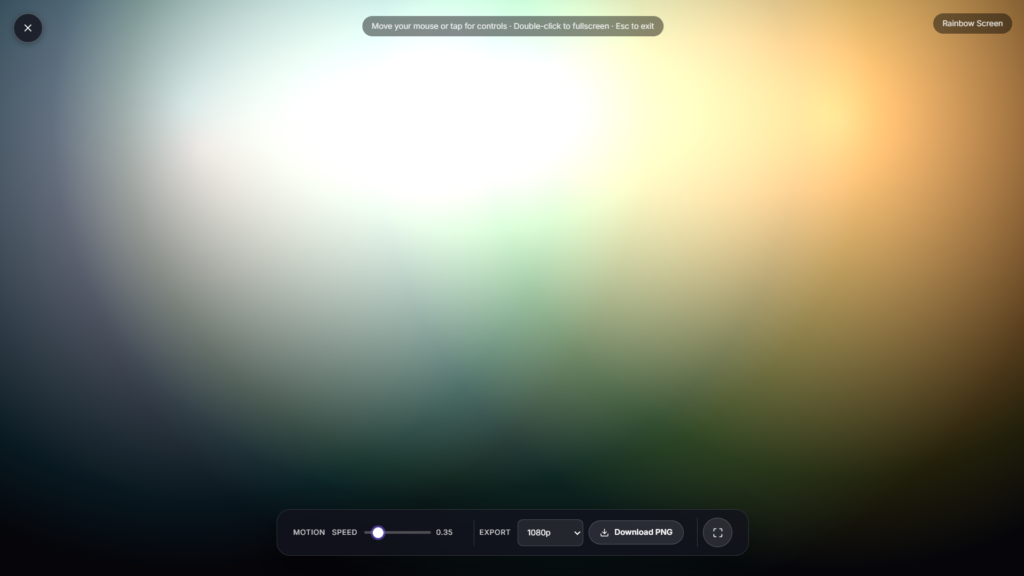
Soft rainbow colors drift slowly across the whole screen, blending from one shade into the next the way light spreads through a prism. No app, no download, just open the page and let the colors move.
The Colors Behind a Rainbow Screen
A rainbow’s familiar color order, red, orange, yellow, green, blue, and violet, comes from how white light splits apart as it passes through water droplets or a prism, each color bending by a slightly different amount, a phenomenon studied and explained in detail by Isaac Newton using glass prisms in the 1600s. A real rainbow in the sky forms the same way but at a much larger scale, sunlight bending and reflecting inside countless raindrops all at once, which is why rainbows only appear when the sun is out and rain is falling somewhere nearby at the same time. This screen doesn’t need any actual sunlight or water to make that same color sequence, it recreates the drifting blend digitally, cycling gently through the same order real rainbows follow.
Why Kids Are Drawn to This Kind of Color Movement
Bright, slowly shifting color tends to hold a young child’s attention in a gentle way, without the fast cuts or sudden changes busier children’s content often relies on. It also doubles as a simple, informal introduction to color order and blending, watching red drift into orange and orange into yellow is a small, visual lesson in how colors relate to each other, long before a child could name the concept.
How to Use the Rainbow Screen
Move your mouse or tap the screen to bring up the on-screen controls, then adjust the color speed and timing to whatever feels right for the moment. Press F or double-click for true browser fullscreen, and Esc any time to exit. It works the same way on a laptop, tablet, or phone, in any modern browser.
Where Rainbow Screen Fits Among the Other Kids Screens
This pairs well as a calming visual break between more active learning activities. If a child is working on early numbers or letters, Counting Fun and ABC Flashcards cover that ground, and Shape Explorer is worth a look if shapes are the current focus. For winding down at the end of the day rather than a bright, colorful visual, Goodnight Stars is the gentler, dimmer option.
FAQ
Do I need to download anything?
No, it runs directly in your browser, nothing to install.
Can I control how fast the colors change?
Yes, the on screen controls let you adjust the speed and timing of the color drift.
Is this based on how real rainbows work?
Yes, the color sequence follows the same red-to-violet order light splits into naturally, though the screen recreates it digitally rather than needing real light and water.
Is it safe for young kids to look at?
Yes, the colors shift slowly and gradually with no flashing or rapid changes, gentler than most fast-paced children’s content.
Will this drain my device’s battery?
A bright, continuously animated display uses more power than a static or dimmed screen, worth keeping the device plugged in for longer sessions.
Is any of my child’s activity or data collected?
No, it runs locally in the browser with nothing uploaded or stored.
Can this help teach a child the order of rainbow colors?
Yes, watching the colors cycle in the same red to violet order repeatedly is a gentle, informal way to build familiarity with the sequence before formally learning it as a fact.