Focus Timer

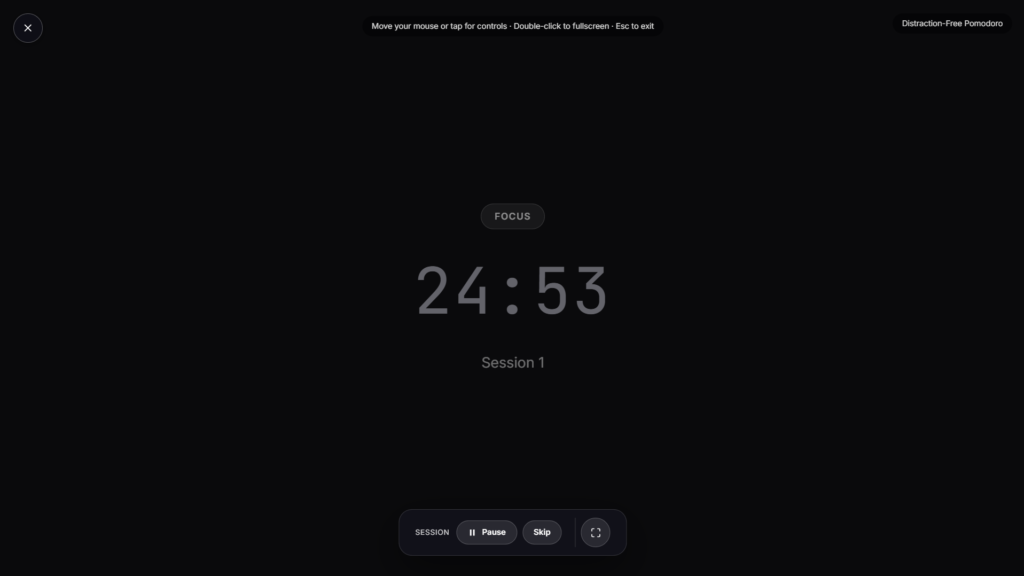
One long, uninterrupted block of time rather than a series of short cycles, set the length, start it, and commit to staying on a single task until it ends. Run it fullscreen so the countdown stays visible without a browser tab pulling your attention elsewhere.
Focus Timer vs Pomodoro: Not the Same Tool
These get confused constantly, but they’re built for different kinds of work. A Pomodoro Timer structures work into short 25-minute intervals with frequent breaks, which suits tasks you can pick up and put down without losing much.
A focus timer instead protects one long, unbroken stretch, closer to the “deep work” idea popularized by author Cal Newport: cognitively demanding tasks like writing, coding, or complex analysis that actually suffer when interrupted every 25 minutes, since getting back into the thread of a hard problem takes real time each time you stop.
Why Interruptions Cost More Than They Seem To
Research on task-switching has found that attention doesn’t fully move on when you shift from one task to another, a portion of it lingers on whatever you just left, a phenomenon often called attention residue.
That lingering attention quietly drags down performance on the new task for a stretch afterward, which is part of why constantly checking a phone or switching tabs mid-session costs more focus than the few seconds each glance seems to take. A single, protected block avoids that cost entirely by removing the switching in the first place.
Choosing a Length That Actually Fits Your Work
Sessions in the 60 to 90-minute range are common, loosely tied to the idea that concentration tends to run in natural cycles rather than staying flat for hours, sometimes referred to as an ultradian rhythm. Shorter sessions of 45 minutes work well if 90 feels like too much to sustain at first. The right length is ultimately whatever you can hold real, undistracted attention for, not a number borrowed from someone else’s routine.
Setting Up a Session That Actually Sticks
Close what you don’t need open, silence notifications, and pick one specific task before starting the timer rather than a vague intention to “get some work done.” The timer’s job is just to hold the boundary once you’ve made that decision, not to create focus on its own.
FAQ
How is this different from a Pomodoro timer?
Pomodoro structures work into short intervals with frequent breaks. This holds one longer, uninterrupted block instead, better suited to tasks that need sustained concentration rather than quick cycles.
What length should I start with?
45 to 60 minutes is a reasonable starting point if 90 minutes feels like too much to sustain right away.
Does it force me to stay off other tabs or apps?
No, the timer itself just tracks the time, staying off distractions during the session is on you.
Can I pause it if something urgent comes up?
Most versions support pausing, though the point of the tool works best when you treat interruptions as the exception rather than routine.
Do I need to download anything?
No, it runs as a page in your browser, nothing to install.
Is my session data stored anywhere?
No, it runs locally in your browser tab with nothing sent to a server.
More Productivity & Timers

Women Power
Quotes celebrating women's strength & ambition
Stopwatch
Count-up stopwatch with lap tracking
Daily Gratitude
Gentle prompts to pause and appreciate today
Daily Motivation
Rotating motivational quotes
Pomodoro Timer
25 minute focus timer