Shape Explorer

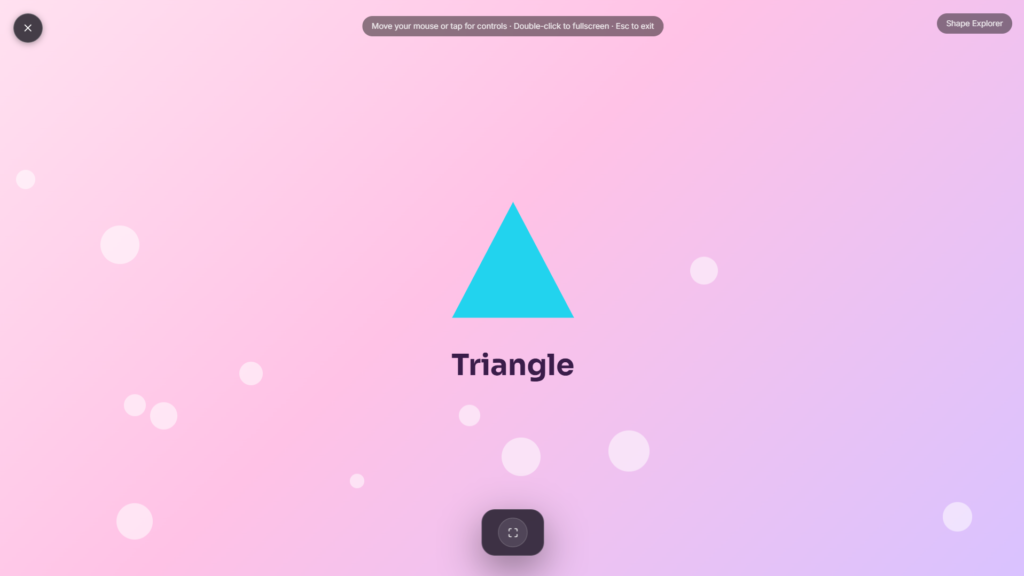
A shape appears, and the goal is to name it or match it correctly, circle, square, triangle, rectangle, and a few more once the basics feel comfortable. No worksheets, no pencils, just 2D shapes turned into something to play with rather than memorize.
What “2D” Actually Means, in Simple Terms
A two dimensional shape is flat, it has length and width but no depth, unlike a ball or a box, which are 3D. A drawing of a circle on paper is 2D; an actual ball is 3D. This distinction usually clicks for kids once they can compare a flat shape side by side with a solid object shaped similarly, a circle drawn on a page next to an actual round ball, for instance, makes the difference visible rather than abstract.
The 2D Shapes Kids Usually Learn First
Most children start with circle, square, triangle, and rectangle, since these show up constantly in everyday objects, a clock, a window, a slice of pizza, a door. From there, shapes with more sides, like pentagons and hexagons, and comparisons like square versus rectangle (a square is technically a specific kind of rectangle, with all four sides equal) tend to come next. Learning to count a shape’s sides and corners is often the practical skill underneath shape recognition, it’s what actually distinguishes a square from a triangle rather than just memorizing which picture matches which word.
How to Use This Well with a Child
- Name the shape out loud together rather than only clicking an answer, saying it reinforces the word alongside the visual.
- Point out the same shapes around the room afterward, a square window, a round plate, connecting the activity to the real world helps it stick.
- Don’t rush past mistakes. Look at the shape again together and count the sides rather than immediately giving the correct answer.
- Keep sessions short and frequent rather than one long sitting, shape recognition tends to build gradually with regular, brief practice.
Who This Is Built For
This suits preschool through early kindergarten-age children just starting to learn shape names, as well as parents and teachers looking for a simple screen based activity to use during a lesson or a quiet moment at home. Once a shapes session wraps up, something calmer like Campfire or Natural Scenery works well as a gentle transition before moving on to whatever’s next. If counting is the skill you’re focused on instead, Counting Fun covers that side of early math.
FAQ
What age is this best suited for?
Roughly preschool through early kindergarten, typically 3 to 6 years old, though it depends on where an individual child is with shape recognition already.
Which shapes should a child learn first?
Circle, square, triangle, and rectangle are the usual starting point before moving on to shapes with more sides.
Do I need to create an account for my child?
No, it runs directly in the browser, no signup or personal information required.
Is this a replacement for classroom geometry instruction?
No, it’s a supplementary activity rather than a full curriculum, useful alongside classroom teaching or as extra practice at home.
Can this be used on a tablet?
Yes, it works in any modern mobile browser as well as on a laptop or desktop.
Is any of my child’s activity or data collected?
No, it runs locally in the browser with nothing uploaded or stored.


