Robot Face

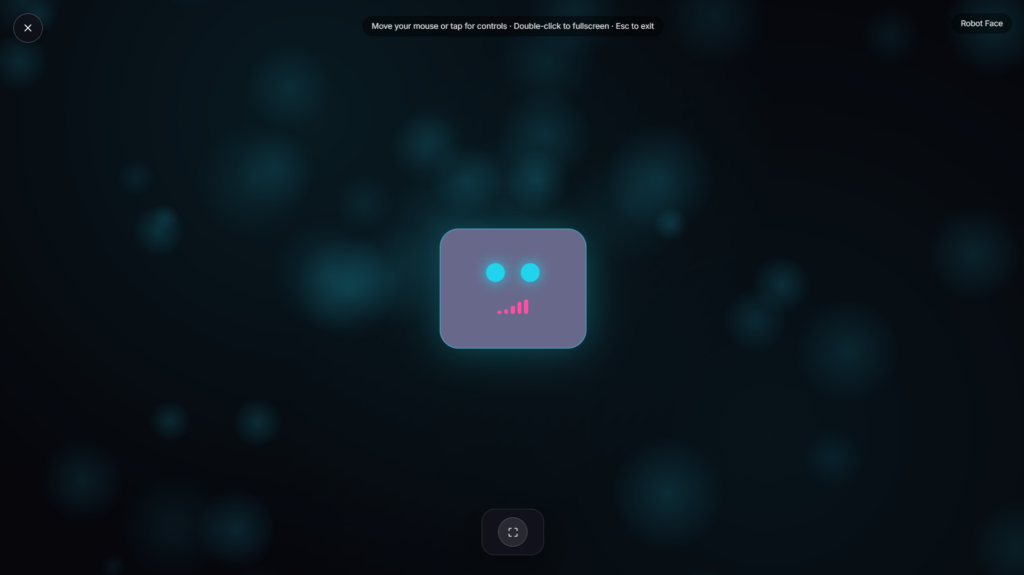
A friendly robot face blinks slowly against a dark background, two simple glowing eyes and a small expressive mouth standing in for a whole personality, the kind of minimal, approachable design real AI assistants and smart devices have leaned on for years.
Why a Simple Robot Face Reads as Friendly
Reducing a robot face down to just two eyes and a mouth isn’t a shortcut, it’s a deliberate design choice rooted in anthropomorphism, the tendency to read human qualities into non-human things. Minimal, cartoonish features tend to feel warmer and less threatening than a highly detailed, realistic robotic face, partly because very realistic-but-not-quite-human faces can trigger the uncanny valley effect, a sense of unease people feel toward robots or animations that look almost, but not quite, human. Staying simple and cartoonish sidesteps that problem entirely, which is part of why this style shows up across smart speakers, assistant apps, and children’s robotics so consistently. Blinking specifically adds a subtle sense of presence and attentiveness, a small cue that something is “there” and paying attention, even though nothing about the animation is actually reacting to you in real time.
How the Robot Face Animation Behaves
The blinking and small expression changes run on their own internal timing rather than reacting to sound, clicks, or anything happening on your device. Depending on the build, the face may cycle through a few subtle states, an idle blink, a slightly wider-eyed look, a small mouth movement, to avoid feeling like a single frame simply repeating on a fixed loop. That variation matters more the longer it runs, a face that blinks at the exact same interval forever starts to feel mechanical fairly quickly, while small timing differences keep it reading as alive rather than looped.
Common Ways People Use Robot Face
This works well as a simple avatar for a mock AI assistant demo, a friendly mascot for a tech-themed stream, a placeholder face for a chatbot presentation, or just a cheerful visual for a kids’ tech-themed activity. It’s also a lightweight way to give an otherwise faceless piece of software a bit of personality during a demo or pitch, without needing a full custom character design. If a waveform feels closer to what represents “AI” for your use case, Voice Assistant shows a Siri-style listening orb instead. For text-based AI visuals, Typing Text Effect recreates a character-by-character response animation, and Neural Network covers the more structural, node-and-synapse side of AI visuals.
FAQ
Is this connected to a real chatbot or assistant?
No, it’s a purely visual animation, there’s no actual conversation or response logic behind the face.
Can I use this as a placeholder for a chatbot I’m building?
Yes, it works well as a friendly visual stand-in for a demo or presentation before a real interface is built.
Does the face react to sound or anything I do?
No, the blinking and expressions run on their own timing rather than reacting to input.
Do I need to download anything?
No, it plays directly in your browser, nothing to install.
Will this work well for a kids’ tech activity?
Yes, the simple, friendly design is well suited to a younger audience alongside other AI-themed learning content.
Can I use this as a mascot for my own AI product or app?
It works well for demos, presentations, and personal projects, though if you’re building something you plan to brand and ship, you’d likely want a custom character rather than this generic version.
Is any of my data collected while I use it?
No, it runs locally in your browser with nothing uploaded.
Why does a cute, simple design feel more trustworthy than a realistic robot face?
Highly realistic robots can trigger a subtle discomfort known as the uncanny valley effect, where something that looks almost human but not quite feels unsettling. A simplified, clearly non-human design avoids that entirely, which is part of why so many real AI products lean toward friendly, minimal characters rather than lifelike faces.
More AI & Machine Learning

Deploying Model
Terminal-style ML deploy log
Generating Response
Spinner screen while the AI writes an answer
Neural Network
Animated node & synapse graph, drifting and pulsing
AI Accuracy Warning
Flashing "verify before you trust it" alert screen
AI Thinking
Pulsing gradient orb "thinking" loader