Be Right Back

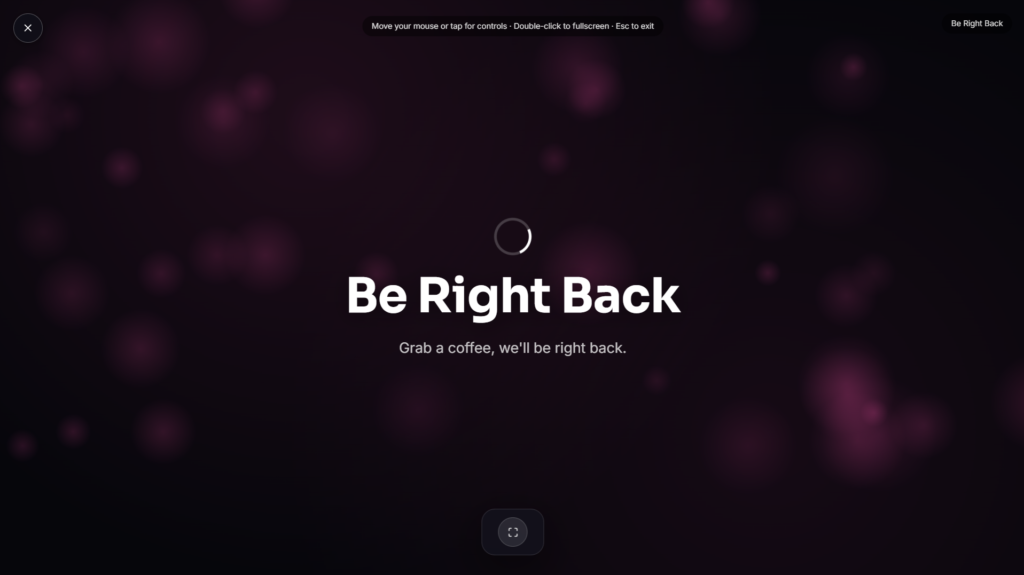
A Be Right Back screen keeps your stream looking intentional the moment you need to step away, a quick bathroom break, a snack, resetting between games, without leaving viewers staring at an empty scene or a frozen frame.
Why Every Streamer Ends Up Needing One
A Be Right Back screen solves a real, recurring problem: streams run long, and everyone eventually needs a short break mid-session. Rather than simply cutting away or leaving the main scene running with nobody visible, a clear Be Right Back screen tells new and existing viewers exactly what’s happening, you’ll be back shortly, and gives them a reason to stick around rather than click away to another channel. It’s one of the most commonly used overlays across Twitch and YouTube livestreaming for exactly that reason, since retaining viewers through a brief pause matters directly to a channel’s watch time and growth.
Why This Skips the Usual OBS Setup
Most Be Right Back screens online are template packages, static images or short looping videos meant to be downloaded, imported into OBS or Streamlabs as a source, and set up as a dedicated scene before your first stream. This version skips that setup entirely: open the page, switch to it directly during your stream by sharing that browser tab or window as a source, and you’re done, no importing image files or building a scene beforehand.
Common Ways People Use a Be Right Back Screen
This works well for quick breaks mid-stream, transitioning between segments, or covering a brief technical hiccup without cutting the stream entirely. It also doubles as a subtle branding moment, viewers glancing at your channel during a break still see something intentional and on-theme rather than dead air. If your break stretches longer than expected and you want to fill the silence with something visual, pairing it with an On Air Sign elsewhere in your setup reinforces that the session is still active, just paused for a moment.
FAQ
Do I need OBS or Streamlabs to use this?
No, you can display it directly in a browser tab and switch your stream’s active source to that tab or window, no dedicated scene setup required.
Can I customize the text or message?
Depending on the build, many versions let you edit the message shown, useful if you want something more personal than a generic “Be Right Back.”
How long should I leave this up during a break?
Shorter is generally better, most streaming guidance suggests keeping breaks brief so viewers don’t lose interest and move on to another channel.
Do I need to download anything?
No, it runs directly in your browser, nothing to install.
Will this work on my phone if I stream from mobile?
Yes, it renders the same in any modern mobile browser as it does on a laptop or desktop.
Is any of my data collected while I use it?
No, it runs locally in your browser with nothing uploaded.
Should I use a static screen or an animated one for a Be Right Back break?
Either works, though a bit of subtle motion, a slow color shift or a moving element, tends to hold viewer attention slightly better than a completely static image during a longer pause.
Can new viewers still find and follow my channel while a BRB screen is up?
Yes, the channel and chat remain fully active in the background, only the video feed itself shows the break screen, so new viewers can still browse your page and chat normally.


