On Air / Live

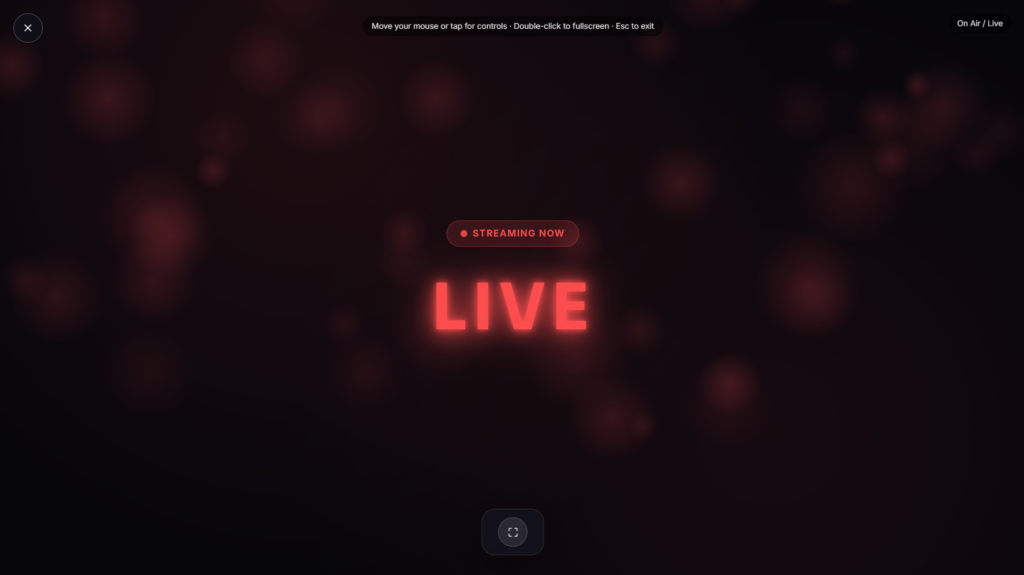
An on air sign glows steady red, the same signal broadcasters have used for a century to warn anyone nearby that a microphone is live, recreated fullscreen for a stream, a recording session, or a home studio.
Where the On Air Sign Tradition Comes From
The purpose behind an on air sign has stayed exactly the same since it began: warning anyone outside a studio not to barge in or make noise while a microphone is live. The earliest signs were simple indicator lights, but the introduction of neon lighting in the 1920s and 1930s gave the on air sign its now-iconic look, bright, durable, and visible from a distance, exactly what a busy radio station needed. By the 1940s and 1950s, the glowing red on air sign had become a fixture of studios everywhere, and LED versions later took over from neon without changing the basic idea at all.
Why Red Became the Standard Color
Red carries an immediate, near-universal association with stop, caution, and urgency, which is exactly the message an on air sign needs to send instantly to anyone glancing at it. A red on air light doesn’t require reading or interpretation, it works the same way a red traffic light or a red exit sign does, communicating at a glance rather than needing a second look. That instant recognizability is part of why the color has stuck for a hundred years without much competition from other options, even as the underlying bulb technology moved from incandescent to neon to LED.
Common Ways People Use an On Air Sign
This works well as a genuine warning for anyone sharing a home with a home studio or streaming setup, a visual cue for viewers that a stream is actually live, or just a nostalgic bit of broadcast aesthetic for a recording space. It pairs naturally with any podcast or streaming setup where you want a clear, unambiguous “don’t interrupt” signal running in the background on a spare screen or tablet by the door, especially useful in a shared house or apartment where family members or roommates might not otherwise know a session is underway. If you’re setting up the rest of your recording space at the same time, Ring Light and Softbox Light cover the actual lighting side of a streaming or podcast setup.
FAQ
Does this actually indicate anything is recording?
No, it’s a visual sign only, it doesn’t connect to your microphone, recording software, or stream in any way, you turn it on and off manually.
Can I use this on a second monitor or old tablet by my studio door?
Yes, that’s a common and practical use, propping a device running this up outside a door as a genuine “don’t interrupt” signal.
Do I need to download anything?
No, it runs directly in your browser, nothing to install.
Is there a way to switch the text to something other than “On Air”?
Depending on the build, some versions let you customize the text, similar to how physical studio lights often offer swappable legends like “Recording” or “Quiet Please.”
Will this work on my phone?
Yes, it renders the same in any modern mobile browser as it does on a laptop or desktop.
Is any of my data collected while I use it?
No, it runs locally in your browser with nothing uploaded.


