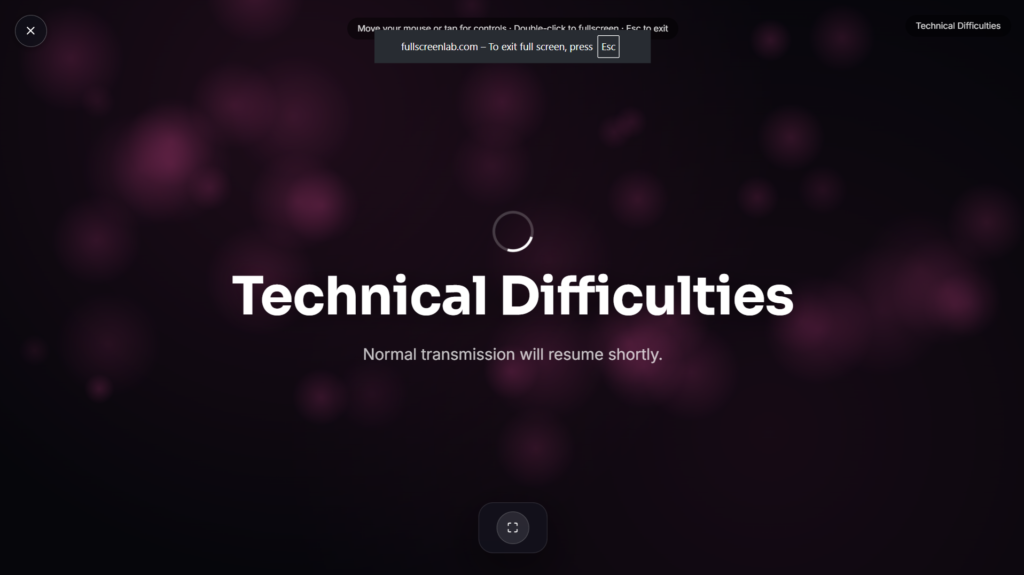
Technical Difficulties

A technical difficulties screen fills the display the moment something goes sideways mid-stream, a familiar “please stand by” message that turns a broken feed into something that reads as intentional rather than genuinely dead air.
Where This Screen Actually Comes From
The “please stand by” card has real broadcast television history behind it. Television stations used cards like this specifically to keep a broadcast from looking fully off the air during a genuine fault, lost video, dropped audio, equipment failure, reassuring viewers the station hadn’t actually gone dark. One specific version, the Indian-head test pattern, became so iconic that it outlived its original broadcast use entirely, later showing up as the actual loading screen in Bethesda’s Fallout 3 in 2008 and its sequels, a deliberate nod to the exact vintage broadcast aesthetic this page recreates. Some US stations even used the Indian-head pattern as their literal final broadcast image during the 2009 shutdown of analog television signals, a fitting bookend for a graphic that had represented technical interruption for decades before that.
Technical Difficulties Screen vs. Be Right Back
These sound similar but signal different things to viewers. Be Right Back tells people you’re intentionally stepping away for a moment. A technical difficulties screen instead frames something as an unplanned interruption, a stream hiccup, a crash, a connection drop, giving you a beat to fix the actual problem while viewers see something deliberate rather than a frozen frame or silence.
Common Ways People Use a Technical Difficulties Screen
This works well as a genuine cover for an actual stream hiccup, a nostalgic bit of retro broadcast aesthetic for a themed stream, or a prop for content explaining old broadcast conventions. If your stream is running smoothly and you just need a planned pause instead, Be Right Back or Starting Soon are the better fit for that.
FAQ
Does this actually fix a technical problem with my stream?
No, it’s a visual cover screen only, you’d still need to resolve whatever the actual issue is behind the scenes.
Is this the same as the classic Fallout loading screen?
It draws on the same real Indian-head test pattern history that inspired that loading screen, though this page is built as its own standalone screen rather than a recreation of any specific game.
Do I need OBS or Streamlabs to use this?
No, you can display it directly in a browser tab as a cover while you troubleshoot the actual problem.
Do I need to download anything?
No, it runs directly in your browser, nothing to install.
Will this work on my phone if I stream from mobile?
Yes, it renders the same in any modern mobile browser as it does on a laptop or desktop.
Is any of my data collected while I use it?
No, it runs locally in your browser with nothing uploaded.
Is it okay to use this even if nothing is actually wrong, just for the retro look?
Yes, plenty of people use it purely for the vintage broadcast aesthetic rather than a genuine cover for a real problem, it works fine either way depending on your intent.
Why did stations bother with a card instead of just going to black?
A black or dead screen looks identical whether the issue is minor or the station has actually gone off air entirely, while a labeled “please stand by” card reassures viewers the interruption is temporary and being handled, which matters a lot for viewer retention and trust in the broadcaster.
Does the specific wording on the screen matter, or is any technical difficulty message fine?
The classic phrasing carries most of the nostalgic weight, so sticking close to familiar language like “please stand by” or “we are experiencing technical difficulties” tends to land better than a more modern or generic error message would.


