DVD Bounce Logo

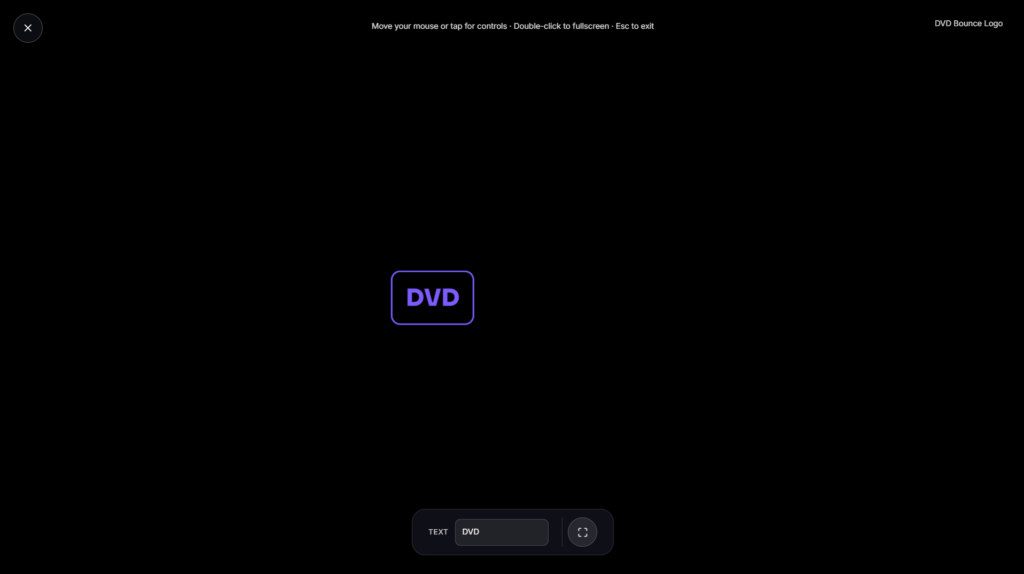
A DVD Bouncing Logo drifts diagonally across a dark screen, bounces off each edge, and changes color on impact, the exact rhythm anyone who grew up with a DVD player will recognize instantly. Open it fullscreen and wait to see if it lands the corner.
Why This Screensaver Exists at All
The bouncing logo wasn’t built for entertainment originally. Older CRT and plasma displays were prone to screen burn-in, where a static image left in one spot too long could permanently mark the screen, a faint ghost of a logo or menu bar that never fully faded even after the display moved on to something else. Keeping a bright logo constantly moving solved that problem on idle DVD players throughout the late 1990s and 2000s, a purely practical fix that ended up sticking around in the culture long after burn-in stopped being much of a concern on modern screens.
Why Everyone Waits for the Corner
Watching the logo drift for a chance at a perfect corner hit turned into a low-key shared experience in living rooms and dorm rooms everywhere, and it broke into wider pop culture after a 2007 cold open on The Office showed an entire fictional workplace holding its breath over exactly that moment. The appeal is almost entirely in the anticipation: the corner hit is rare enough that catching it feels like a small, pointless win, which is a big part of why the meme never really faded.
What This Version Adds
Beyond the classic bounce and color change, versions of this tool online often layer on a couple of extras: a running count of corner hits so you can track how long you’ve been waiting, and sometimes the option to swap the logo for custom text or a different word entirely. Whether those exact features are switched on here depends on the build, but the core drift-bounce-color-change loop is always the constant.
Where a DVD Bouncing Logo Fits Among the Rest
This works well as background nostalgia during a stream, something to glance at during a break, or just a low-effort bit of fun on a spare monitor. If you’d rather have something calmer and quieter, Candle Flame or Bokeh Particles fit that better. For a different kind of retro-tech reference, Matrix Rain or Neon Grid lean into an 80s and 90s computing look instead.
FAQ
Is this an official DVD or DVD Forum product?
No, it’s a recreation of the well-known screensaver style and isn’t licensed by or affiliated with the trademark holder.
Why did people get excited about it hitting the corner?
Landing a perfect corner hit, where all four corners of the logo touch the screen edges at once, is genuinely rare given how the angles and starting position work out, which is exactly what made it a running joke to wait for.
Can I swap the logo for my own text?
That depends on the specific build you’re using, some versions of this effect support custom text or a different logo shape.
Do I need to download anything?
No, it plays as a page in your browser, nothing to install.
Is this actually useful for preventing burn in on my screen today?
Modern LCD and OLED screens are far less prone to the kind of burn in old CRTs and plasmas suffered from, so it’s mostly here for the nostalgia rather than a practical need.
Does it cost anything?
No, it’s free with no signup.
Is any of my activity tracked while I use it?
No, it runs locally in your browser tab with nothing sent to a server.
Is there a pattern to which corners get hit?
Yes, oddly enough. Depending on the exact starting angle and position, the logo’s path tends to only ever land on two of the four corners rather than all of them, since the bounce angles repeat in a cycle rather than varying freely.


