AI Content Scan

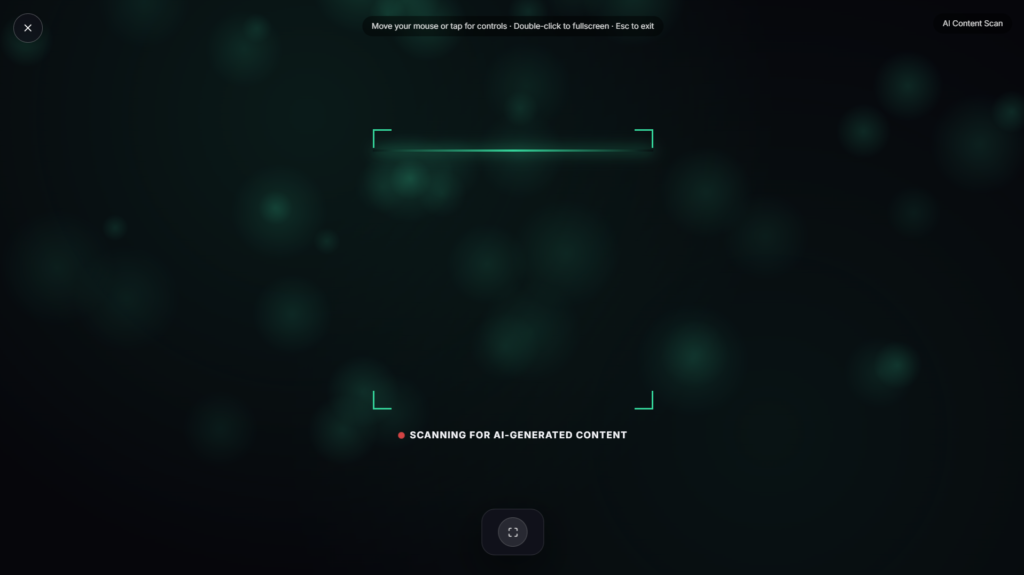
An AI content scan animation sweeps across a dark, glowing background, corner brackets framing the scene like a viewfinder, a scan line moving steadily beneath “SCANNING FOR AI-GENERATED CONTENT.” It’s a visual effect built for the look, not an actual analysis tool.
What This AI Content Scan Actually Is (and Isn’t)
To be direct about it: this doesn’t analyze any real text or detect anything. Genuine AI text detection tools, like GPTZero, Copyleaks, or Grammarly’s AI checker, work by measuring things like perplexity, a statistical measure of how predictable a language model finds a given piece of text, since AI-written text tends to score differently on that measure than typical human writing. This page recreates the look of that kind of scanning process, the brackets, the moving line, the scanning message, purely as a visual effect. If you need to actually check whether text is AI-generated, one of those dedicated tools is what you’d want instead.
Why the Visual Language Feels Familiar
The scanning bracket frame and moving line borrow directly from a visual shorthand movies and heads-up displays have used for decades to signal “analysis in progress,” the same kind of framing device shown whenever a screen needs to imply scrutiny or detection happening in real time. Pairing that framing with AI-flavored text taps into a very current version of that same idea, tech-themed rather than the older radar or fingerprint-scan versions of the same trope that came before it.
Common Ways People Use This AI Content Scan Effect
This works well as a tech-themed video backdrop, a transition moment in a video about AI tools, a stream overlay for tech content, or just a visually interesting effect for a presentation about AI. Because it’s purely aesthetic, it fits naturally into content about AI detection or AI tools without functioning as one itself, useful for illustrating a concept visually rather than performing the actual analysis. Content creators covering AI news or reviewing detection tools often need exactly this kind of illustrative visual rather than a real, working piece of software.
Where AI Content Scan Fits Among the Rest
If a calmer, more literal AI visual appeals more than a scanning effect, Neural Network shows a drifting, pulsing node-and-synapse graph instead. Voice Assistant recreates a Siri-style listening waveform orb if audio interfaces are more the visual you’re after, and Robot Face offers a friendly, blinking AI avatar rather than a scanning effect. For a text-focused AI visual instead of a scan line, AI Typing Indicator is worth a look too.
FAQ
Does this actually check if text is AI-generated?
No, it’s a purely visual animation. It doesn’t read, analyze, or process any text at all.
Can I paste text into it to get a real result?
No, there’s nowhere to input text and nothing being evaluated behind the scenes, it’s a scanning-style visual effect only.
What should I use if I need an actual AI detection result?
A dedicated AI text detector like GPTZero, Copyleaks, or Grammarly’s AI checker is built for that specific purpose, this page is not a substitute for those tools.
Do I need to download anything?
No, it plays directly in your browser, nothing to install.
Can I use this in my own video or stream?
Yes, it works well as a visual backdrop or transition for content related to AI or technology.
Is any of my data collected while I use it?
No, since there’s nothing to input in the first place, there’s nothing collected either.
Why would I want a fake scanning effect instead of just using a real detector?
The two serve different purposes entirely, a real detector gives you an actual answer about a piece of text, while this gives you a visual to illustrate the idea of AI detection in a video, stream, or presentation without needing real data behind it.
More AI & Machine Learning

AI Typing Indicator
Fullscreen "AI is typing..." bounce dots for chatbot demos
AI Accuracy Warning
Flashing "verify before you trust it" alert screen
Generating Response
Spinner screen while the AI writes an answer
Robot Face
Friendly blinking AI avatar face
Voice Assistant
Siri-style listening waveform orb