Terminal Update Screen

A screen terminal fills the display with scrolling package names, unpacking and setting up messages, and a progress percentage, the exact rhythm of a real Linux system update running from the command line rather than a graphical installer.
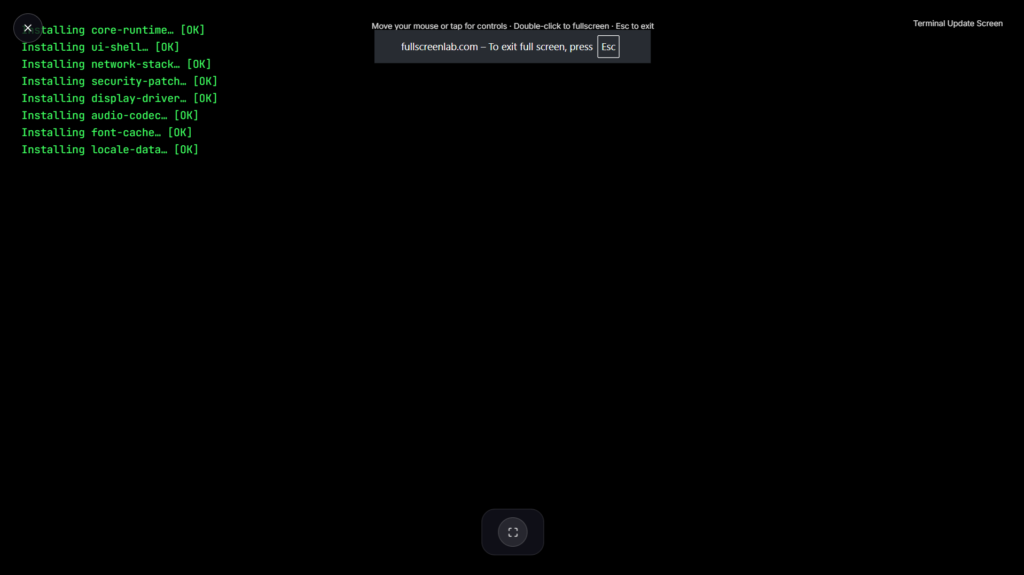
Why a Screen Terminal Reads as Authentic
Real Linux package managers like APT produce a very specific kind of output when installing updates: package names scrolling past, “Unpacking” and “Setting up” messages, occasional progress percentages mixed into plain text rather than a clean visual bar. A convincing screen terminal recreates that exact rhythm and phrasing rather than a generic loading animation, which is what makes it land specifically with anyone who spends real time in a command-line interface, the kind of environment where scrolling package output is an everyday sight rather than something unusual.
Who This Screen Terminal Actually Works On
This version is aimed squarely at developers, system administrators, and anyone comfortable enough with Linux to recognize the terminal output as genuine. A Windows-style graphical update screen would look completely out of place on someone who lives in a terminal all day, while this style speaks directly to that audience’s actual daily experience, referencing package names, dependency messages, and phrasing that would only really register as familiar to someone who’s watched a real system update run before. If your target actually runs Windows instead, Fake Windows Update Screen is the better fit, and if you’d rather keep things simple and OS-agnostic, Light Update Screen or Loading Screen cover that instead.
Using This Responsibly
Even scrolling terminal text can genuinely worry someone if they think an actual system update is running unattended on a machine they need for work, especially a server or production environment where an unexpected update would be a real concern. Keep the session brief, reveal it once the joke lands, and skip it entirely on anything resembling a production system or a machine someone depends on for something time-sensitive, since a developer’s genuine first instinct on seeing an unexpected update mid-task is often to worry about a deployment or a scheduled job gone wrong.
FAQ
Does this actually run any real commands or install anything?
No, it’s a purely visual simulation in your browser. No real package manager runs, and nothing is installed or changed on the actual system.
Will this convince someone who actually uses Linux daily?
It’s built specifically to mimic real terminal output closely enough to hold up to a quick glance from someone familiar with it, though anyone who looks closely enough will eventually notice it’s simulated.
Does it work if someone tries typing during the prank?
Most versions ignore keyboard input while running, similar to how a real update process typically occupies the terminal until it finishes.
Can this be used on someone running macOS or Windows instead of Linux?
It would look distinctly out of place on a system that doesn’t normally show a Linux terminal, so it’s best reserved for pranking an actual Linux user or dual boot setup.
Is there sound involved?
Typically no, this style of prank relies on the visual scrolling text rather than any audio cue.
Does the output scroll at a realistic speed, or too fast to read?
Convincing versions pace the scrolling text similarly to how a real package update actually runs, fast enough to feel busy but slow enough that specific package names and messages remain readable if someone looks closely.


