Rotating Quotes

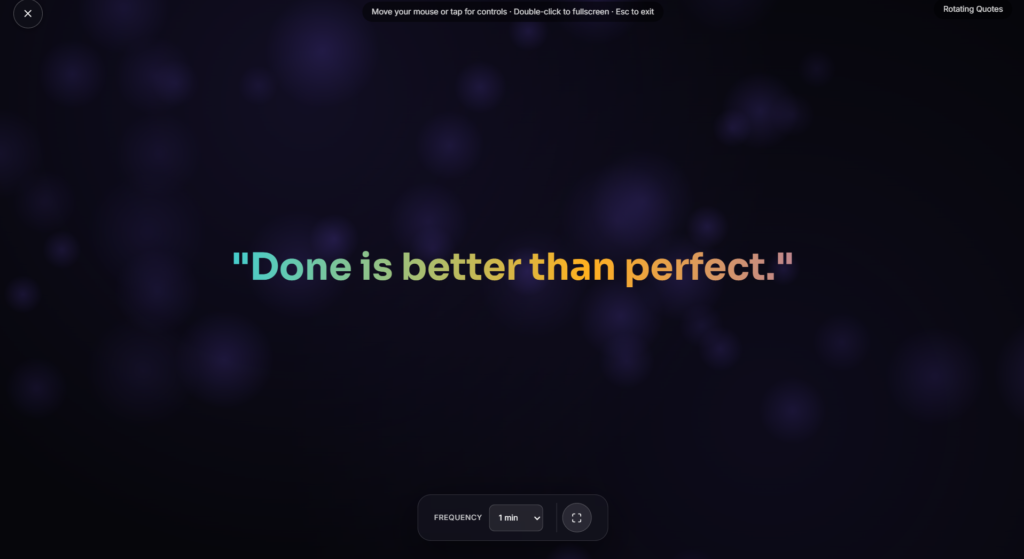
A new quote appears on its own every so often, large and centered on a dark background, no clicking, no refreshing, just a hands free rotation you can leave running on a screen and walk away from.
What Sets Rotation Quotes Apart from a Click to Generate Tool
Most quote tools online work on a button: you click, a new line appears, you click again when you’re ready for the next one. Rotation quotes work differently, the display advances by itself on a timer, which suits a lobby screen, a desk display, or a background you want to glance at occasionally rather than actively operate. It’s a small distinction, but it changes what the tool is actually useful for, one is interactive, the other is ambient.
How the Rotation Timing Works
Each quote holds on screen for a set interval before fading or transitioning into the next one, cycling through a stored collection rather than pulling from an external source live. Depending on the controls available on the page, the interval, category, and whether it repeats or shuffles randomly through the set can typically be adjusted to fit how long you want each quote to sit before the next rotation.
A Quick Note on Quote Accuracy
A well-known problem across the entire quote tool space is misattribution: plenty of widely shared lines are credited to famous names who never actually said them, Einstein and Mark Twain are two of the most commonly misquoted figures online, often because a paraphrase or a loose summary of something they did say gets tightened into a punchier line and passed around as a direct quote. If you’re pulling a quote from a rotation for anything beyond casual reading, like a presentation slide or a published piece, it’s worth a quick check against a reliable source before repeating the attribution as fact.
Where Rotation Quotes Fits Among the Rest
This suits a lobby or waiting room screen, a desk display for a bit of reflection between tasks, or something running quietly on a second monitor. If you’d rather have a calming visual instead of text, Candle Flame or Aurora Waves fit that better. And if you’re structuring a work session rather than a passive display, a Pomodoro Timer is the more functional pick.
FAQ
Where do the quotes come from?
They’re pulled from a stored collection built into the page rather than fetched live from an outside source each time.
Can I control how often it changes?
Depending on the build, yes, many rotation-style quote tools let you adjust the interval between quotes.
Do the quotes repeat?
That depends on the collection size and how the rotation is set up, some cycle through a fixed set in order, others shuffle randomly.
Is this something I have to click through manually?
No, that’s the main difference from a typical quote generator, it advances on its own once you start it.
Can I trust the author credited with each quote?
Treat attributions with some caution. Misattributed quotes are extremely common online, so double check before citing one anywhere official.
Do I need to install anything?
No, it runs as a page in your browser, nothing to download.
Is any of my activity tracked while I use it?
No, it runs locally in your browser tab with nothing sent to a server.
Can I use this for a business lobby or waiting room?
Yes, that’s one of the more common uses for an auto rotating display like this, a screen that updates itself without anyone needing to manage it during the day.
Can I pause it on a quote I like instead of letting it move on?
Most rotation style displays include some kind of pause control, worth checking for a pause button or a tap to hold gesture if you want to hold on a specific line longer than its normal interval.


