Mic Check Tone

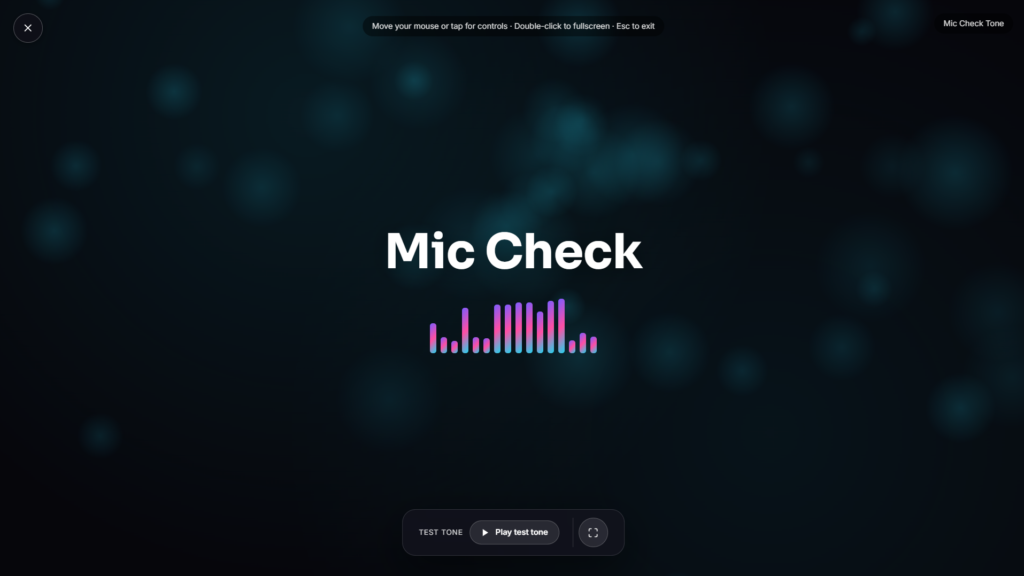
Speak, and a live bar or meter reacts instantly, showing how loud your microphone is picking you up before you jump into a call, a recording, or a stream. No install, no account, just your browser reading your mic in real time.
Counting Fun
Bright objects appear on screen, and the goal is simple: count them and pick the right number. No pressure, no scores that matter, just fun counting activities built to make numbers feel like a game rather than a lesson.
Why Fun Counting Activities Matter Early On
Counting is usually a child’s very first real math skill, well before addition or shapes come into the picture. Early number sense, the intuitive feel for quantity and order that counting builds, has been linked by researchers to stronger math performance well into later school years. Practicing through play rather than a worksheet tends to hold a young child’s attention longer too, which matters since repetition is really what builds the skill, not any single clever exercise. Counting also tends to work best woven into things a child already finds engaging, colors, characters, small rewards for a correct answer, rather than presented as a dry drill.
What This Kind of Activity Actually Builds
Counting objects one at a time out loud helps a child connect a number word to an actual quantity, a skill researchers call one to one correspondence. Recognizing a small group of items at a glance, without counting each one individually, is a related but separate skill called subitizing, and both tend to get exercised naturally through a simple counting activity like this one. Between the two, a child builds toward the more abstract idea that numbers represent quantities consistently, regardless of what’s actually being counted.
How to Use It Well with a Child
- Count out loud together the first few times rather than letting them go silently, hearing the number said alongside the count reinforces the connection.
- Keep sessions short. A few minutes of focused counting tends to work better than a long stretch that starts to feel like a chore.
- Let mistakes happen without correcting instantly. Counting again together after a wrong guess teaches more than an immediate correction does.
- Mix in real-world counting too, stairs, toys, snacks, the skill transfers better when it isn’t only practiced on a screen.
Who This Is Built For
This suits preschool and early kindergarten age children just starting to learn numbers, as well as parents and teachers looking for a quick, screen based counting activity to use during a lesson or a quiet moment at home. It’s simple enough not to need reading skills, which matters for an age group that’s often still learning letters alongside numbers. Once a counting session wraps up, something calmer like Campfire or Natural Scenery can make for a gentle wind down visual before moving on to the next part of the day.
FAQ
Does this record or store my audio?
No, it only reads the live signal to drive the meter. Nothing is recorded, saved, or sent anywhere, and access to your mic ends the moment you stop or close the tab.
Why does my meter barely move even when I’m talking normally?
Your input gain may be set too low, or you’re sitting too far from the microphone. Moving closer or raising the input level in your system’s sound settings usually fixes it.
What does the clipping indicator actually mean?
It flags moments where your signal gets close to or hits 0 dBFS, the point where digital audio distorts. Backing off your input level or moving away from the mic resolves it.
Is dBFS the same as real world decibels?
Not exactly. dBFS measures your digital signal relative to its own maximum, not an absolute sound pressure level in the room, so it’s a relative, not a calibrated, measurement.
Do I need to grant microphone permission?
Yes, your browser will prompt you to allow microphone access, standard practice for any tool that needs to read live audio.
Does it work with USB mics and headsets, not just a built in laptop mic?
Yes, most versions let you pick from any input device your system detects, including USB microphones and headsets.


