Recording Indicator

A recording indicator glows or blinks red, the same instantly recognizable signal cameras, camcorders, and video call software have used for decades to confirm a session is actively being captured.
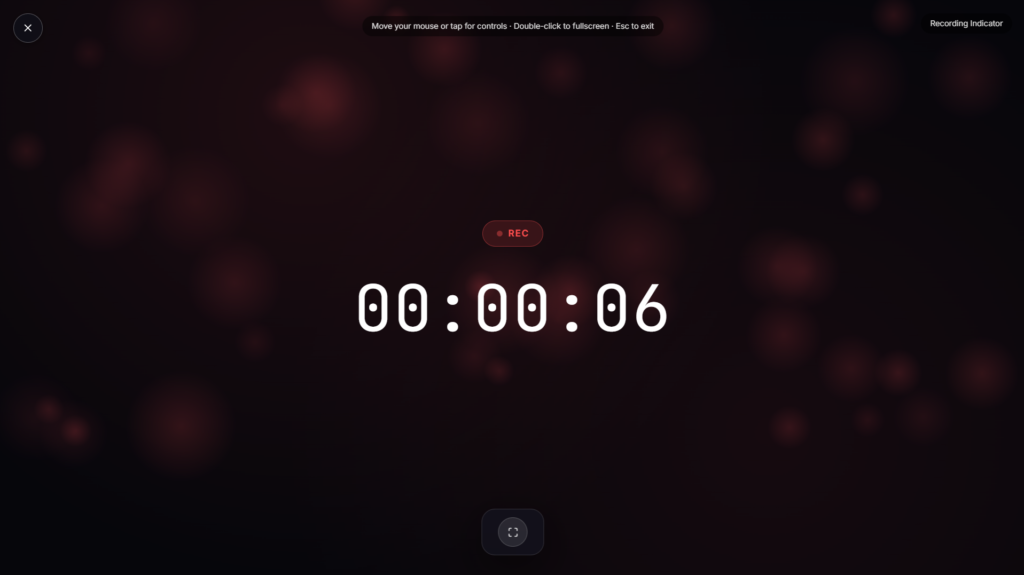
Where the Red Recording Light Comes From
The red REC light traces back to the same broadcasting heritage as a studio’s On Air sign, red chosen originally for its high visibility and near-universal warning association. As the professional convention trickled down into consumer cameras and camcorders, the red dot became shorthand for “this is capturing right now” rather than the studio-specific “don’t interrupt” meaning of an on-air sign. That same lineage shows up today in the small indicator light iPhones and modern laptops display whenever an app is actively using the camera or microphone, a direct descendant of the same visual language, now serving a privacy purpose as much as a production one. Not every red dot you see actually means active recording either, some devices use a similar light for standby or power status, which is part of why a clearly labeled recording indicator still earns its keep even in an age of built-in camera lights.
Recording Indicator vs. On Air Sign
These solve related but distinct problems. An On Air Sign is aimed outward, warning people near a studio not to interrupt because a microphone is live. A recording indicator is aimed more at confirming status to whoever’s on camera or watching, this session is actively being captured right now, closer to the small red light on an actual camera or the “Recording” banner Zoom shows during a call.
Common Ways People Use a Recording Indicator
This works well as a visual confirmation during a podcast or video recording, a prop for content explaining recording setups, or a simple reminder for yourself and any guests that a session is actively being captured. If you’re timing the session alongside confirming it’s recording, Recording Timer pairs naturally with this on a second screen.
FAQ
Does this actually confirm my software is recording?
No, it’s a standalone visual indicator rather than something connected to your actual recording software, it doesn’t detect or verify whether a real recording is in progress.
How is this different from the red dot on my actual camera or webcam?
The concept is the same, a visual cue that recording is happening, but this is a separate page you display rather than your device’s own built-in indicator light.
Can I use this to remind a guest that a session is being recorded?
Yes, that’s a common use, a visible reminder that helps set expectations clearly at the start of a recorded conversation.
Will this work on a tablet propped near my recording setup?
Yes, it renders the same in any modern mobile or tablet browser as it does on a laptop or desktop.
Is any of my data collected while I use it?
No, it runs locally in your browser with nothing uploaded.
Is it legally required to show a recording indicator to people I’m recording?
Consent requirements for recording conversations vary significantly by location and context, and this page doesn’t substitute for actually understanding the recording consent laws that apply to you, a visible indicator is a courtesy signal, not a legal safeguard on its own.
Why do some devices use a blinking light instead of a solid one?
Blinking is often reserved specifically for active recording, while a solid light on the same device might just mean the camera is powered on or in standby, a distinction worth knowing since not every red glow means the same thing across different hardware.


