Podcast Timer

A podcast sleep timer counts down quietly in the background while you drift off, fading audio out and stopping playback once time’s up, rather than leaving an episode running through the night while you sleep.
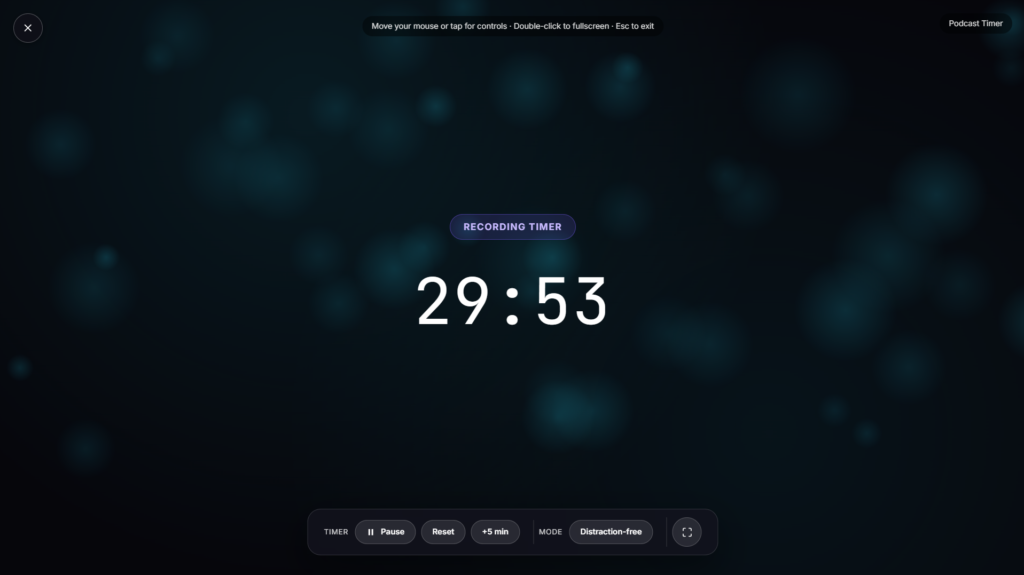
What This Sleep Timer Can and Can’t Control
Worth being clear about scope here. Native podcast apps like Castro or Pocket Casts have deep, OS-level access to pause playback in their own app specifically, since they built the actual media player themselves. A browser-based sleep timer works differently: it can control audio playing directly within that browser tab, but it can’t reach into a separate podcast app running elsewhere on your phone and pause it for you. If you’re listening through a dedicated podcast app rather than a browser tab, that app’s own built-in sleep timer, most have one, is the more reliable option for actually stopping playback.
Common Sleep Timer Durations and Why They Vary
Most sleep timer tools, across both native apps and browser versions, offer a similar range of preset durations, typically 5 to 60 minutes. Shorter durations suit someone who falls asleep quickly and wants minimal risk of drifting off to hours of unheard content; longer durations suit slower winding-down routines or listening to something meant to actually help with falling asleep in the first place. Many sleep timers, including well-known ones like Pocket Casts’, also fade audio out gradually rather than cutting it abruptly, a gentler way to end a session than a sudden silence, similar to how gently dimming lights rather than switching them off instantly is generally considered kinder to your sleep transition.
Common Ways People Use a Podcast Sleep Timer
This works well as a simple bedtime countdown to glance at before setting your device down, a visual reminder of how much listening time remains, or a straightforward timer for anyone who prefers not to install a dedicated sleep-timer app just for this one feature. If you’re winding down with something other than a podcast, a calming visual like Candle Flame or Rain on Window can pair well with a quiet countdown running alongside it.
FAQ
Will this pause a podcast app running separately on my phone?
No, a browser page can’t control audio playing in a different app. It works with audio playing directly in that browser tab, not a separate podcast app elsewhere on your device.
What should I use if I need my podcast app itself to stop playing?
Most podcast apps, including Pocket Casts and Castro, have a built-in sleep timer specifically for that, which is the more reliable option if you’re listening through a dedicated app rather than a browser.
Does the audio cut off abruptly or fade out?
Many sleep timer tools fade the volume down gradually rather than stopping instantly, a gentler transition if you’re still awake when it ends.
Can I extend the timer if I’m not ready to sleep yet?
Depending on the build, many sleep timers let you add time or restart the countdown rather than starting completely over.
Why do some sleep timer apps use snore detection instead of just a fixed countdown?
A fixed countdown stops audio at a set time regardless of whether you’re actually asleep yet, while snore or motion detection tries to infer whether you’ve actually drifted off, extending the timer automatically if you’re still awake rather than cutting off content you were still listening to.
Does listening to a podcast while falling asleep actually help, or is it just a habit?
Plenty of people find a familiar voice or story genuinely calming as a wind-down cue, similar to how some prefer ambient sound or white noise, though it varies a lot person to person and isn’t something with one universal right answer.
What duration should I actually pick if I’m not sure?
Something in the middle of the common range, 20 to 30 minutes, is a reasonable starting point for most people, short enough to limit how much you might miss if you drift off quickly, long enough not to cut off abruptly if it takes you a bit longer to settle in.


