Countdown to Record

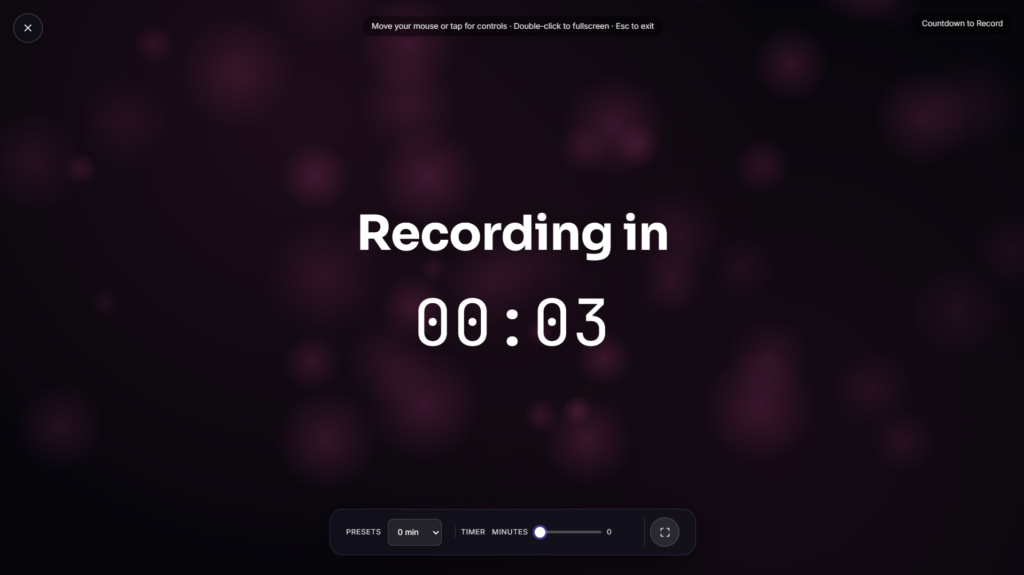
A recording timer sits quietly on a second screen while you record, keeping track of segment length and total episode time so you can glance over without breaking your rhythm mid sentence.
Why Timing Actually Matters for Podcast Recording
This isn’t just about knowing how long you’ve been talking. Research on podcast listening has found listener retention drops off noticeably after roughly 35 to 45 minutes, and rambling is consistently cited as one of the top complaints listeners have about podcasts generally. A recording timer keeps that reality in view while you’re actually recording, a glance at elapsed time is often enough to nudge you back on track before a tangent turns into ten unplanned minutes. Timing individual segments, an intro, an interview block, a wrap-up, rather than just total runtime helps keep each part proportional rather than letting one section quietly swallow the whole episode. Even experienced hosts tend to lose track of time once a conversation is genuinely flowing, which is exactly the moment a visible timer earns its keep.
Recording Timer vs. a Regular Stopwatch
A Stopwatch tracks generic elapsed time for any purpose, a workout, a lab timing, anything at all. A recording timer applies that same basic idea specifically to a recording session, often built with segment markers or a running total in mind, so it fits naturally into a podcast setup rather than needing to be reinterpreted for the context each time.
Common Ways People Use a Recording Timer
This works well propped on a second monitor or tablet near your microphone, giving you a large, glanceable readout without needing to check a phone or watch mid recording. It’s especially useful for interview format shows where keeping segments roughly balanced matters, or solo episodes where it’s easy to lose track of how long you’ve actually been talking. If you’re also managing a sleep or wind-down routine around your recording schedule, Podcast Sleep Timer covers that separate use case.
FAQ
How is this different from a regular stopwatch?
It’s built around the same elapsed-time concept but framed specifically for a recording session, often with segment tracking in mind rather than a single generic count-up.
Does this actually control or interact with my recording software?
No, it’s a standalone visual timer rather than something integrated with your recording or editing software, it just gives you a glanceable readout to reference.
Can I track individual segments, not just total time?
Depending on the build, many recording timer tools let you mark segment breaks so you can see individual section lengths alongside the overall total.
Will this work on a tablet propped near my mic?
Yes, it renders the same in any modern mobile or tablet browser as it does on a laptop or desktop
Is any of my data collected while I use it?
No, it runs locally in your browser with nothing uploaded.
Should I show this timer to my guest too, or just keep it visible to myself?
That’s a personal preference, some hosts keep it purely for their own reference off to the side, while others share it visibly with guests so everyone on the call has the same sense of pacing and remaining time.
What’s a reasonable target length for a typical episode?
There’s no single right answer, but many shows aim somewhere in the 30 to 45 minute range specifically because that lines up with where listener attention research suggests engagement tends to hold up best, longer formats can absolutely work too, just with more deliberate pacing.
Can I use this for video recordings too, not just audio podcasts?
Yes, the underlying idea, a visible running clock during a recording session, applies just as well to video content as it does to audio-only podcasts.


