Silence / Mute Screen

A mute screen displays a large, unmistakable “MUTED” status, the kind of clear visual cue that stops you from talking for two minutes before realizing your mic was off the whole time.
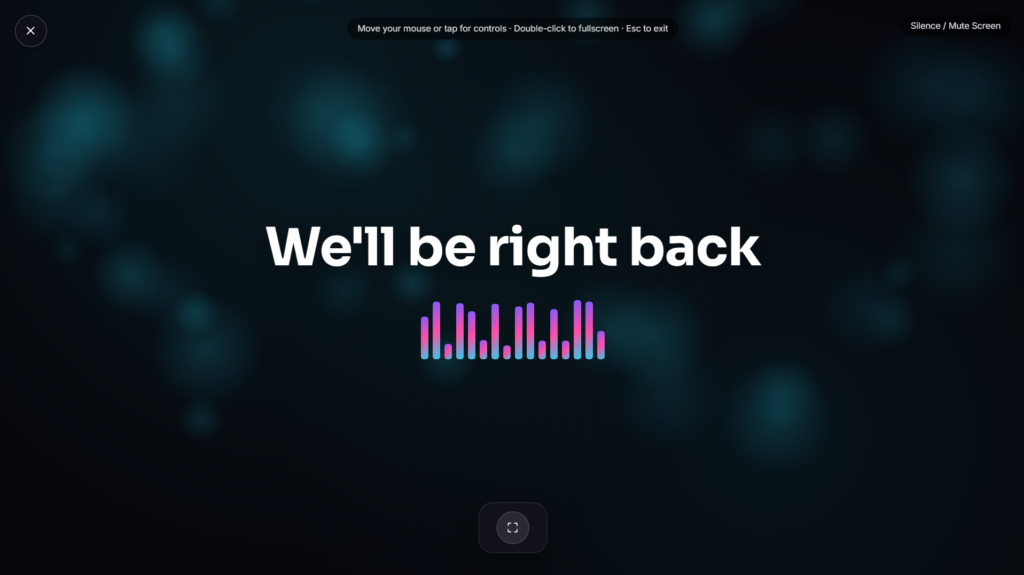
A Visual Display, Not a Real Mic Detector
Worth being upfront here: a webpage can’t actually read whether your system’s microphone is really muted. Real solutions to this problem, apps like MicMute or MicToggle, or dedicated hardware like a mute button with a built-in LED, work by hooking directly into your operating system’s actual audio input state. This mute screen works differently, it’s a visual status display you toggle yourself rather than something wired into your real mic hardware or software. If you want a genuinely automatic mute indicator, a dedicated app or a hardware mute switch is the more reliable option, since only those have real access to your device’s actual audio settings.
Why “Talking While Muted” Is Such a Common Problem
This isn’t a rare mishap, it’s one of the most universally relatable moments in video conferencing and recordings. The mismatch between your own sense of speaking and the silence everyone else hears is easy to miss, especially mid-thought, which is exactly why dedicated mute-status tools and even patented mute/unmute detection systems exist specifically to catch it. A clear, glanceable visual reduces how often that gap goes unnoticed, giving you a quick visual check before launching into anything important.
Common Ways People Use a Mute Screen
This works well as a large, clear reference propped on a second monitor during calls or recordings, a quick visual check before speaking up in a meeting, or a simple status display for a podcast recording session with a co-host. If you’re also confirming a session is being recorded, Recording Indicator pairs naturally with this on the same setup.
FAQ
Does this automatically detect if my microphone is actually muted?
No, it’s a manual display you toggle yourself, it doesn’t read your device’s real microphone state.
What should I use if I want a real, automatic mute indicator?
A dedicated mic-mute utility app or a hardware mute button with a built-in light connects directly to your actual audio hardware, which is the reliable option if automatic detection matters to you.
Can I use this during a podcast recording with a co-host?
Yes, it works well as a shared visual reference so both people can quickly confirm mute status before speaking.
Will this work on a tablet propped near my setup?
Yes, it renders the same in any modern mobile or tablet browser as it does on a laptop or desktop.
Why not just rely on the mute icon my video call software already shows?
Small icons in a call app’s corner are easy to miss mid-conversation, especially in a busy interface with multiple participants, while a large fullscreen or second-monitor display is much harder to overlook by comparison.
Should I use this for meetings, or is it more of a streaming and podcasting tool?
It works for any context where confirming mute status matters, work meetings, podcast recordings, or streaming setups all benefit from the same basic clear visual check.
Is there a way to make the color or wording different from a standard MUTED label?
Depending on the build, some versions let you customize the color or text, useful if you want it to match your setup’s branding or personal preference rather than a fixed default.


