Signal Glitch

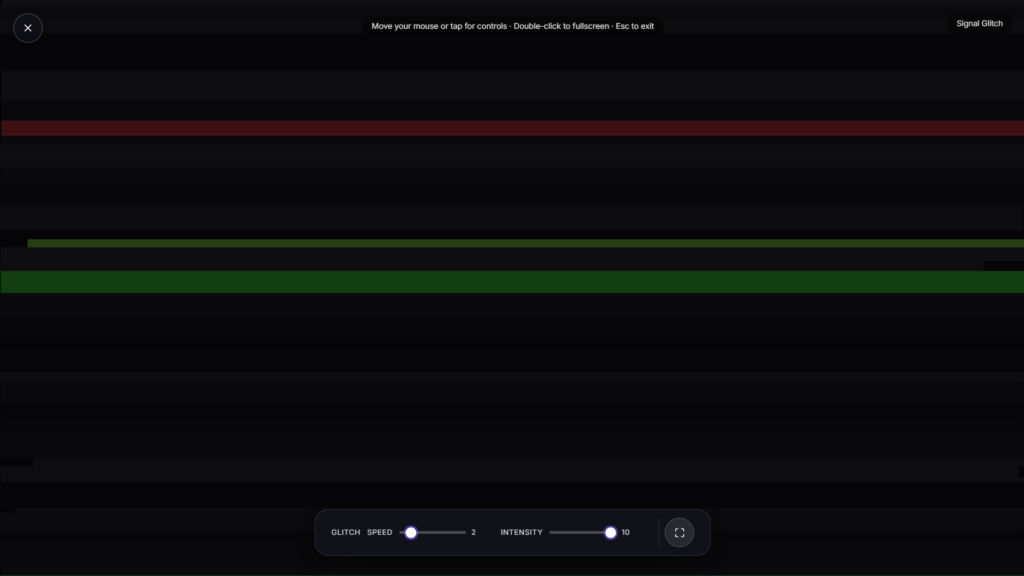
A glitch effect tears across the screen, color channels splitting apart, scan lines jittering, blocks of the display briefly corrupting before snapping back, the visual language of broken signals and corrupted data, running smoothly rather than actually broken.
Glitch Effect as a Real Art Movement, Not Just a Filter
What looks like a broken screen is actually a deliberate, recognized aesthetic. Glitch art emerged from artists intentionally corrupting digital files, video signals, or analog media to produce unpredictable visual distortion, then embracing the result rather than treating it as an error to fix. The movement grew alongside the rise of digital video and file compression in the 1990s and 2000s, as more artists gained access to the tools and formats that could actually be corrupted in interesting ways. What was once a genuine technical failure, a scrambled VHS tape, a corrupted image file, a dropped video signal, became a style people now deliberately recreate on purpose, this glitch effect included.
The Techniques Behind the Distortion
A convincing glitch effect usually layers a few distinct techniques together. Chromatic aberration, splitting the red, green, and blue color channels apart slightly so edges show colored fringing, mimics a real optical distortion lenses sometimes produce. Scan line displacement shifts horizontal strips of the image sideways, recreating the look of an old CRT losing sync, the same visual cue as a television with a weak antenna signal. Block corruption and sudden color jumps borrow from datamoshing, a real video-editing phenomenon where compressed video frames break in ways that smear and distort motion across the image, an effect originally considered a compression failure before artists started triggering it intentionally.
Common Ways People Use a Glitch Effect
A glitch effect works well as a tech or cyberpunk themed background, a transition moment during a stream, a music-adjacent visual for a set or party, or just an eye-catching effect for a tech-themed presentation. If a calmer, more orderly retro-tech look appeals more, Matrix Rain or Neon Grid cover that instead. For a blockier retro game look rather than broken-signal distortion, Pixel Background is worth a look, and for a different command-center aesthetic entirely, Radar Screen is another option in the same cluster.
FAQ
Is this simulating an actual broken screen or corrupted file?
No, it’s a deliberate recreation of that look for visual effect, nothing about your actual device or files is affected.
Can I adjust the intensity of the glitch effect?
Depending on the build, many glitch tools let you adjust intensity, frequency, and which specific distortion techniques are active.
Will this work on my phone?
Yes, it renders the same in any modern mobile browser as it does on a laptop or desktop
Can I use this as a video transition rather than a full background?
This page is built as a standalone fullscreen visual rather than an editable transition; if you need to add a glitch effect into your own video project, a dedicated video editing tool would be the better fit for that specific task.
Why does glitch art look appealing rather than just broken?
Part of the appeal comes from the contrast between the polished, controlled visuals we’re used to seeing everywhere and a deliberate glimpse of digital fragility, glitch art trades on that tension on purpose rather than by accident.
Does it produce the same pattern every time, or is it different each session?
Most glitch tools generate distortion somewhat randomly rather than replaying a fixed sequence, so the exact timing and pattern of shifts will typically look a little different each time you run it.
Is this safe if I’m sensitive to flashing or rapid visual changes?
If you’re sensitive to fast-moving or flickering visuals, start with a short session and see how it feels, or lower the intensity setting if the build offers one.
More Prank Screens

Liquid Damage
Broken LCD with RGB sub-pixel bars and a torn peeling corner
Shattered Display
Broken LCD color bars with a radiating glass-shatter crack
Critical Error Screen
Retro full-screen crash prank
Broken Screen
Cracked glass, tap to shatter more
White Noise / TV Static
Classic black & white static