Category: Screen Tips
Practical guides for understanding and troubleshooting your screen, from spotting dead pixels to checking refresh rate, backlight bleed, and color accuracy. Each guide pairs with a free fullscreen tool you can use right away, no downloads, no sign-up.
Monitor Refresh Rate Test: How to Check and Set Your Hz
Refresh rate is how many times per second your screen redraws the picture, measured in hertz (Hz). A…
How to Fix Screen Flickering on Windows 10 and 11
Use Task Manager to tell a driver problem from an app problem, then work through proven fixes for…
 Screen Tips
 How to Use Your Screen as a Light: Calls, Reading, Photos
Turn any phone, laptop, or monitor into a soft ring light, reading lamp, or backup light with the…
 Screen Tips
 Monitor Flicker Test: How to Check Your Screen
A simple at-home method to check whether your monitor flickers, using a phone camera and solid color screens,…
 Screen Tips
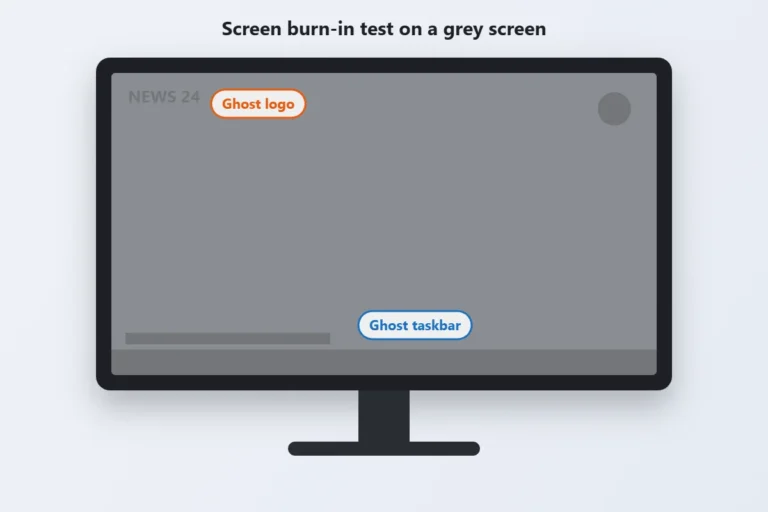
 Screen Burn In Test: How to Check, Prevent and Fix It
Screen burn in is a faint, permanent ghost of an image that stays on your display, like a…
 Screen Tips
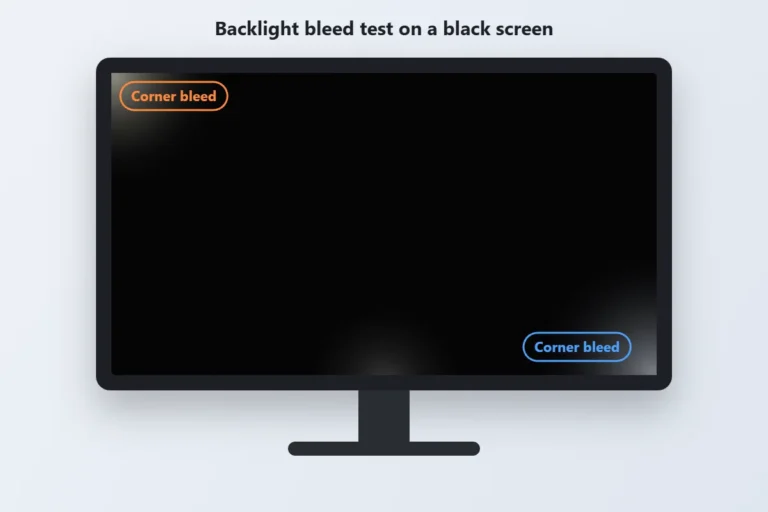
 Backlight Bleed Test: How to Check Your Monitor or Laptop Screen
Backlight bleed is light leaking around the edges of an LCD screen, usually seen as bright or cloudy…
Stuck Green Pixel? How to Find and Fix It for Free
A stuck green pixel is a tiny green dot that stays lit no matter what your screen shows.…
OLED Screen Test: How to Check Your Display for Problems
If your OLED screen looks a little off, a shadow that won’t fade, a pixel that never lights…
What Is Dead Pixels on Laptop Screen?
So, what is dead pixels on laptop screen displays, exactly? You’re staring at your laptop and there it…